WhatsApp Business API in Malaysia (2026): the complete buyer's guide
The Meta Embedded Signup for the WhatsApp Business API takes 2–4 weeks. The per-conversation pricing is what it is. The BSP markup is what it is. Here is what the API actually is, why Malaysian SMEs are switching from BSPs, and the faster path that the META wait hides.
minidesk · Editorial team, minidesk
The WhatsApp Business API is the official way for a business to send and receive WhatsApp messages at scale — the API Meta owns, the channel Malaysian customers actually open. Getting on it is the part that takes the time. The Meta Embedded Signup process takes 2–4 weeks. The BSP (Business Solution Provider) markup is layered on top of Meta's per-conversation fees. The result is a market where the businesses who need the channel the most are the ones who wait the longest to get on it. Here is what the API actually is, why Malaysian SMEs are switching from the older BSP routes, and the faster path that the META wait hides.
What the WhatsApp Business API actually is
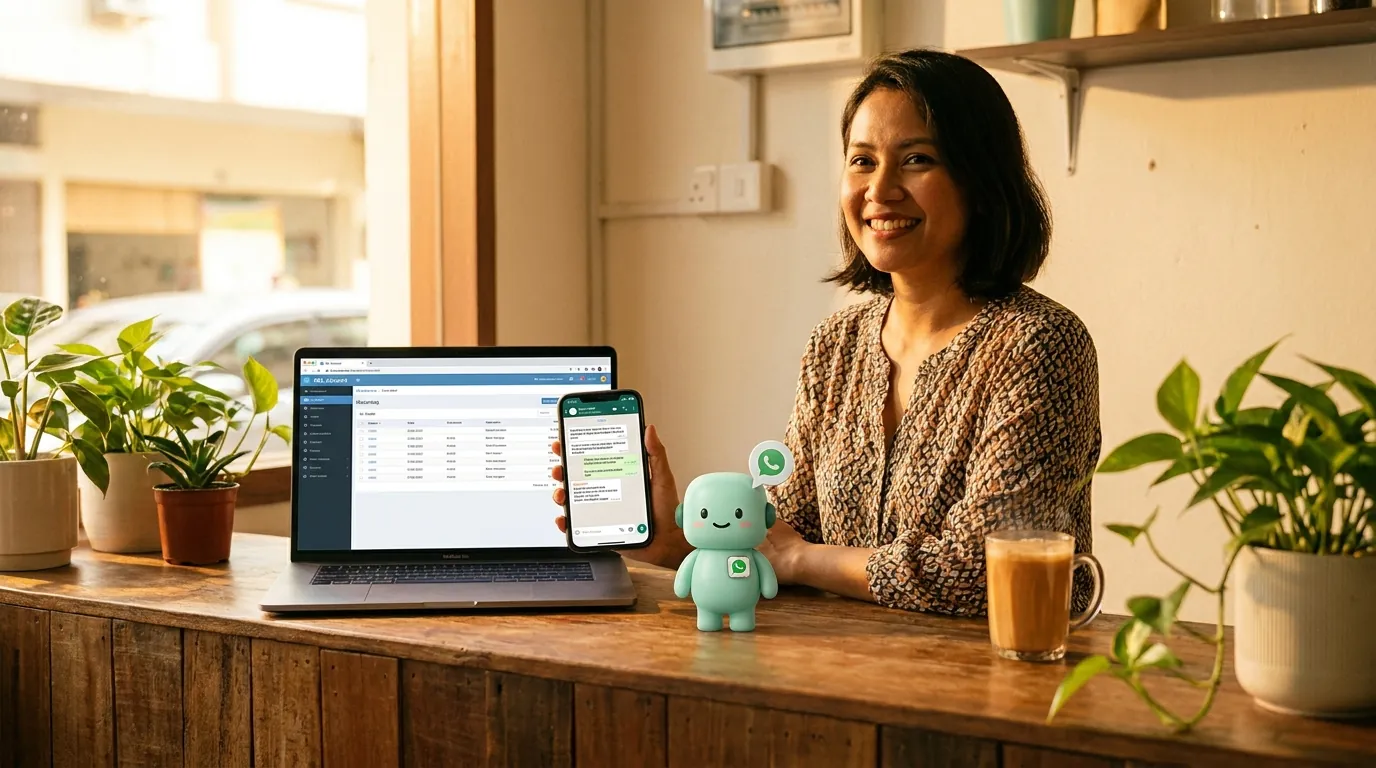
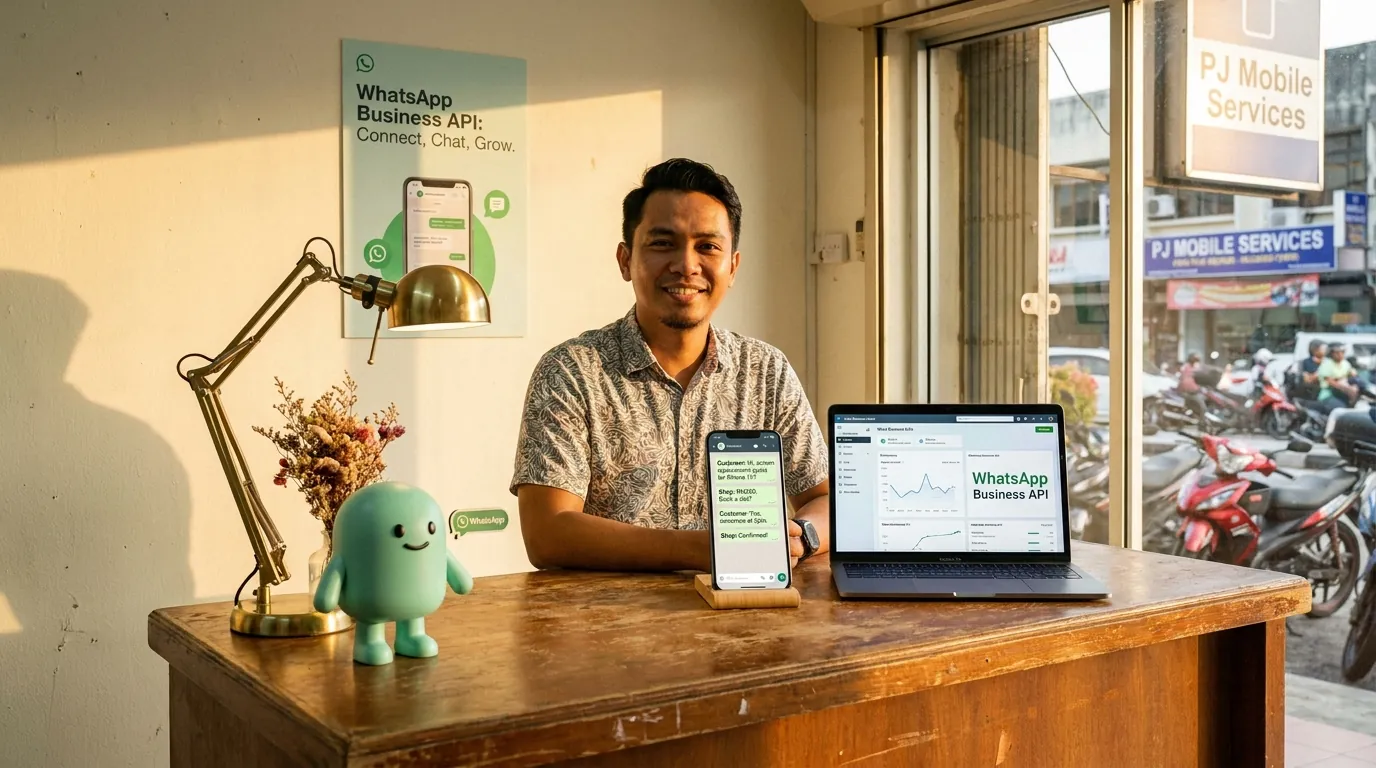
The WhatsApp Business API is a hosted API that lets a business send and receive WhatsApp messages through its own software — not the WhatsApp Business app on a phone. The business gets a phone number verified by Meta, an API credential, and the ability to integrate WhatsApp into the systems the business already runs: the POS, the accounting, the customer support tool, the help desk, the order pipeline. The API is the difference between "a staff member replies from their phone" and "the business replies from its software, with the customer context attached."
The API is owned by Meta. The pricing is owned by Meta. The conversation templates, the 24-hour customer service window, the opt-in rules, the per-conversation fees — all owned by Meta, all published in Meta's docs, all the same regardless of which BSP routes the message. The piece that varies by BSP is the markup, the onboarding time, the dashboard, and the integrations the BSP ships. A business that picks the wrong BSP pays the markup and waits the wait. A business that picks the right path skips the wait and skips the markup.
Why Malaysian SMEs are switching from BSPs
Three reasons, in the order the business owners themselves name them. (1) The 2–4 week Meta wait is the bottleneck. The businesses that need WhatsApp the most — the new F&B chain that just opened, the retailer that just launched an online store, the accounting firm that just signed a 200-client payroll contract — are the ones that cannot wait 2–4 weeks. (2) The BSP markup is the second bottleneck. Meta's per-conversation fees are the same on every platform; the BSP adds a per-message markup on top, and the markup compounds across the conversation volume a Malaysian F&B business runs in a week. (3) The integration story is the third. A BSP gives you a WhatsApp dashboard; the BSP does not give you WhatsApp reading your POS, your accounting, your inventory, your customer history. The dashboard is the start of the work, not the end.
The switch is not from one BSP to another BSP. The switch is from "I have a WhatsApp dashboard" to "I have an AI assistant that reads the software I already run and writes the WhatsApp in the customer's language." That is a different category, and it is the category minidesk ships.
The Meta Embedded Signup path (and the 2–4 week wait)
Meta Embedded Signup is the flow where a business authorises a third-party application to send WhatsApp messages on the business's behalf. The flow is supposed to be one click. The reality is a three-step process: the business owner authorises the application, Meta runs the business verification, the application gets the API credentials. The first step is one click. The second step is the wait. The third step is the part no BSP can shortcut — Meta owns the verification queue, the documents, and the timeline.
The 2–4 week wait is not a guess. It is what Malaysian businesses on the WATI, Sleekflow, AiSensy, and Twilio signup flows report, in the support forums, in the Facebook community groups, in the Reddit threads. The pattern is the same: you sign up, you submit the SSM documents, you wait, you get a generic response that asks for more documents, you wait, you eventually get approved. The 2 weeks is the fast case. The 4 weeks is the median. The 6+ weeks is the unlucky tail.
The documents Meta asks for vary by business type, but the Malaysian list usually includes: SSM registration (or the equivalent for sole proprietors), a sample of the business's website or Facebook page, and a phone number that matches the business name. The phone number is the part that catches a lot of small businesses — Meta does not allow a personal WhatsApp number on the Business API, and the porting process is a separate project.
The plugin path (minidesk, embedded signup in days)
minidesk holds the Meta Business verification. When you sign up and pick your accounting or POS software as the connector, three things happen in parallel: you connect your software with one OAuth click (cloud) or one translator install (desktop, the Windows-agent shape), you connect your business WhatsApp number through Meta Embedded Signup, and you authorise the AI to read the data the AI needs. The whole flow is twenty minutes, end to end, for any of the 15 connectors minidesk ships. The Meta review queue is skipped because the queue is for businesses that have not been verified yet — your verification rides on minidesk's.
The verification ride is the part that costs the time. A business that signs up with a fresh BSP and submits the SSM documents is in the queue. A business that signs up with minidesk is verifying on a verification Meta has already approved, for a business in the same industry, in the same country, with the same business type. The queue does not apply. The 2–4 weeks does not apply. The 20-minute flow is the new norm.
The second part of the no-wait path is that the WhatsApp message already knows what the connector says, in the right language, the right currency, the right tax label, the right contact name for the country the invoice was raised in. When the AI sends a message to a customer in Petaling Jaya, the message reads in Bahasa Malaysia, in RM, with the SST line, on the connector's invoice number. When the AI sends a message to a customer in Johor Bahru, the message reads in Bahasa, in RM, with the SST line. The AI is reading the same software the cashier / bookkeeper reads, in the same currency, the same tax label, the same language the connector was raised in.
Per-conversation pricing breakdown
Meta's per-conversation pricing is published in Meta's docs, and it is the same on every platform. The rates vary by country and by conversation category. The Malaysian rates, as of 2026, are:
- Marketing conversations — the category that covers most of the messages a Malaysian F&B business or retailer sends (promotions, new menu, delivery updates, customer win-back). Meta sets the rate, and the rate is the same on every BSP.
- Utility conversations — the category that covers most of the messages a Malaysian accounting firm or services business sends (order confirmations, payment reminders, appointment updates, account alerts). Meta sets the rate, typically lower than the marketing rate.
- Authentication conversations — the category that covers the one-time-password and login flows. Meta sets the rate, typically the lowest of the three categories.
- Service conversations — the customer-initiated messages that arrive in the business's WhatsApp inbox. Meta does not charge for the first 1,000 service conversations per month; the rate applies after that. The first 1,000 are free.
minidesk does not add a per-message markup on top of Meta's. The plan is a flat monthly fee that includes the AI, the channels, the connector, and the WhatsApp API. The Meta conversation fees are the only conversation fees you pay. The quote is the quote; the website lists the same rate as the dashboard. No per-conversation surcharge. No 12-month contract. No setup fee.
Real Malaysian use cases — F&B, retail, accounting firms
Three use cases worth naming, in the order the businesses adopt the channel.
F&B — the WhatsApp order pipeline
A 6-outlet bubble tea chain in the Klang Valley connects StoreHub (or Loyverse, or Slurp — any of the 4 F&B connectors minidesk ships) and turns the AI on. At 7:30am, the operations manager gets a WhatsApp with yesterday's sales, broken down by outlet, in Bahasa. When a customer sends a WhatsApp order, the AI reads the menu, writes the confirmation, and posts the order to the POS. At 9am, the AI posts the MyInvois e-invoice batch to LHDN. The cashier does not have to do anything different. The customer does not have to download an app. The order is in the till before a human touches the keyboard.
Retail — the WhatsApp customer service layer
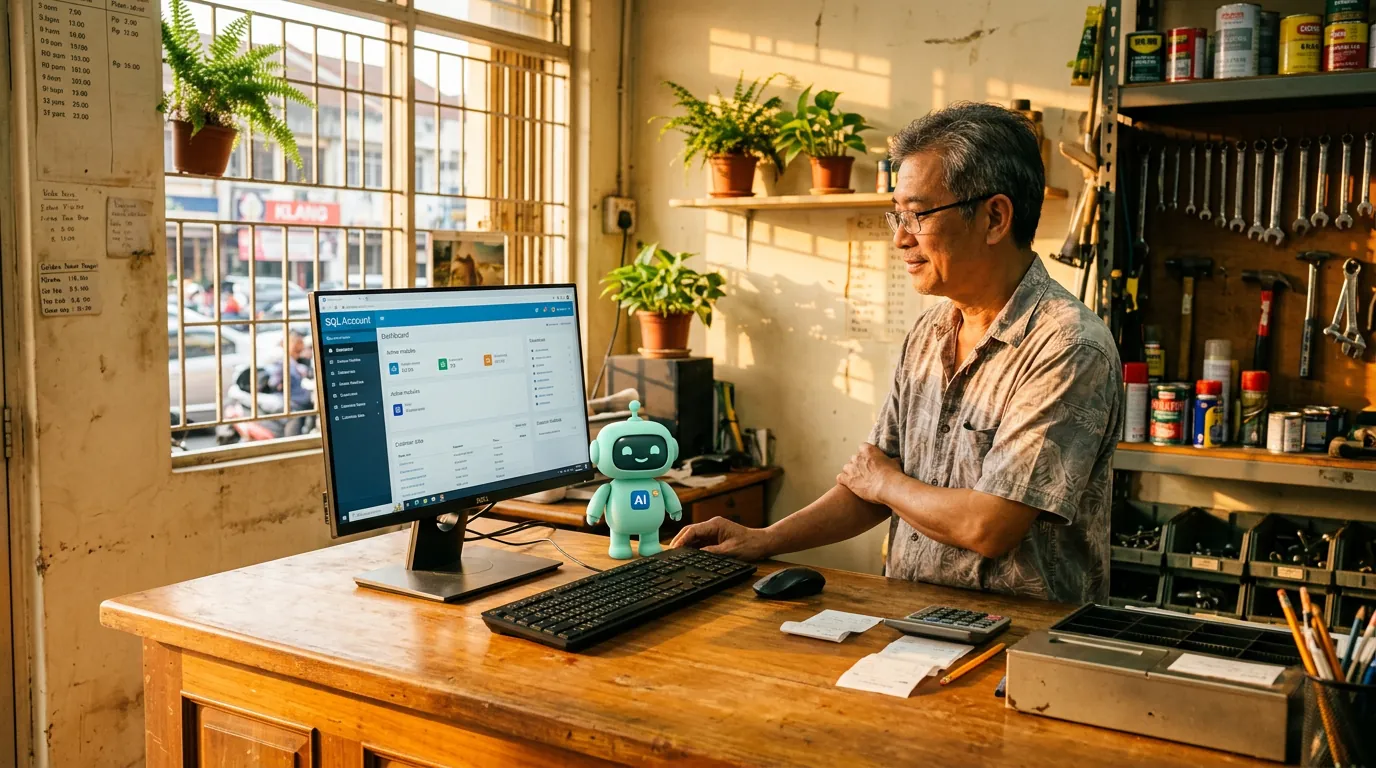
A 3-store fashion retailer in Bukit Bintang connects SQL Account (or AutoCount, or Bukku — any of the 6 accounting connectors) and turns the AI on. When a customer sends a WhatsApp asking "what is my balance?", the AI reads the AR ledger and replies in Bahasa or English. When the same customer asks "is the blue dress in stock at the Pavilion outlet?", the AI reads the SQL Account stock module, sees the SKU is available, and replies with the live stock count. The staff do not have to leave the floor. The customer gets the answer in the channel they already have open.
Accounting firms — the WhatsApp client updates
A 6-person accounting firm in Petaling Jaya connects SQL Account and turns the AI on. Every Monday at 9am, the 80 clients on the firm's managed-services book get a WhatsApp with last week's status — invoices raised, payments received, the BAS-ready summary, the SST line, the SST submission date. The client opens the message, the client does not have to log into the firm portal, the client does not have to email the firm to ask. The firm's two accountants get the time back to do the actual accounting. The clients get a service they did not have before.
“We chose minidesk because the WhatsApp wait was the bottleneck. The AI was a bonus we did not expect to use on day one — by month three it was handling 80% of our customer messages in Bahasa, and our staff had time to actually run the shop.”
— Encik Razak, who runs a 14-outlet kopitiam chain in the Klang Valley
FAQ
How long does the Meta Embedded Signup take with minidesk?
Twenty minutes from signup to the first message, in any country. The Meta review queue is skipped because the verification rides on minidesk's existing Meta Business verification. The 2–4 week wait that applies to a fresh BSP signup does not apply to a minidesk signup.
Does minidesk add a per-message markup on top of Meta's?
No. The plan is a flat monthly fee that includes the AI, the channels, the connector, and the WhatsApp API. The Meta conversation fees are the only conversation fees you pay. The website lists the same rate as the dashboard; the quote is the quote.
Can I use my existing WhatsApp Business number?
Yes. If you are already on a BSP, the WhatsApp number and the API credentials are already in your business name, and Meta has already verified you. The migration is a settings change at Meta, not a new application. The install wizard walks you through the migration; the typical migration takes an afternoon.
What languages does the AI support?
Bahasa Malaysia, English, Mandarin, Tamil, Cantonese, Hokkien, and the long tail of languages your customers actually write in. The AI matches the language the customer wrote in. The reply to a Petaling Jaya customer is in Bahasa. The reply to a Singapore customer is in English. The reply to a Penang customer who writes in Hokkien is in the same Hokkien. The currency matches the connector's invoice line — RM, SGD, MYR, HKD, USD, the lot.
What if I am not on any of the 15 connectors yet?
Sign up for the connector first (the vendor's own website, the same way you signed up originally), connect your bank feeds, and let the ledger / POS / inventory settle for a week. Then sign up for minidesk, pick the connector in the install wizard, and the AI starts reading the data the moment the OAuth is authorised.
How to get started
Three steps, end to end in twenty minutes. (1) Sign up at minidesk.co, pick your accounting or POS software as the connector (the 15 vendors are listed in the install wizard), and authorise the OAuth. (2) Connect your business WhatsApp number through Meta Embedded Signup. minidesk holds the Meta Business verification, so the typical 2–4 week Meta wait is gone. (3) Hand the AI its first workflow — the install wizard suggests the first three (morning sales summary, customer WhatsApp auto-reply, MyInvois batch for F&B; BAS summary, overdue reminder, customer balance enquiry for accounting). The first message lands the next morning. The first invoice posts the next morning. The first WhatsApp reply lands within 20 minutes.
If you are already on a BSP, the migration is the part you are weighing, not the setup. Keep the BSP contract running for one billing cycle while you set up minidesk in parallel. Test the AI on a small set of conversations, compare the messages to the messages your BSP has been sending, switch the routing over when you are comfortable, cancel the BSP at the next billing date.
→ See all 15 minidesk integrations: /integrations
→ Try the WhatsApp plugin path: /developers