SQL Account + AI: what it actually looks like in 2026
SQL Account will not ship an AI layer. Here's what one looks like when it lives on top — and what it does for a hardware shop in Klang that runs on the desktop version it bought in 2014.
minidesk · Editorial team, minidesk
You've heard the pitch. \"AI for your accounting software.\" Every conference talk in Kuala Lumpur this year has had the same slide. Here is what it means in your business, on the SQL AccountSQL Account desktop you already pay for, without migrating to a cloud you did not ask for.
What "AI" means here — the short version
When we say AI on top of SQL Account, we do not mean a chatbot that lives in a tab next to your ledger. We mean an assistant that reads the same SQL Account database the desktop software reads, answers your questions in plain language, and writes back the answers into the same WhatsApp your customers already use. The AI is not a new system. It is a new way to talk to the system you have been running for ten years.
The reason this matters, and the reason SQL Account themselves will not ship it, is that the AI layer is a different product category from the ledger. SQL Account is the chart of accounts, the debtor master, the stock count. The AI is the thing that reads all three at once and answers "who owes us over RM5,000 and is more than 60 days late" in a sentence. SQL Account's roadmap is the ledger. The assistant is the layer on top.
Three concrete use cases, in plain language
1 · Chasing overdue invoices without the Monday morning phone call
Ah Meng runs a hardware shop in Klang. He has 1,400 active customers on his SQL Account sales ledger. Every Monday morning his bookkeeper pulls the AR aging, prints the list, and the two of them spend three hours calling people. By lunch only the polite customers have been reached. The rest of the week, the list sits on the desk.
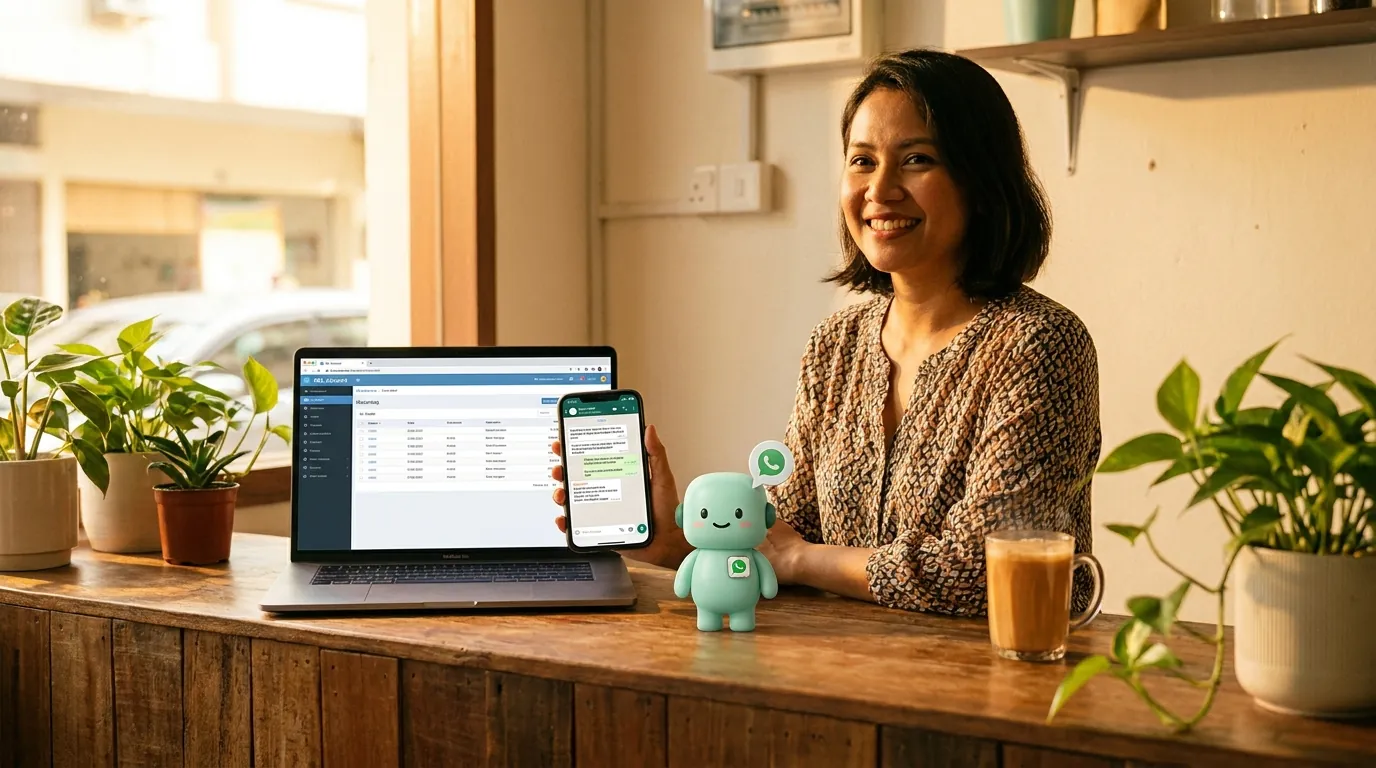
With an AI layer on top, the Monday morning routine changes. The AI reads the SQL Account sales ledger, finds every invoice over 30 days past due, and writes a WhatsApp message to each customer in their own language. The message says: "Hi Encik Lim, this is a reminder that invoice INV-2025-03847 for RM2,340 is now 32 days past due. Please let us know if there is an issue with the order." The customer's WhatsApp reply lands in the same thread. Ah Meng sees the thread, not the spreadsheet.
2 · Answering "what's my balance" without a phone tag
A customer in Shah Alam sends a WhatsApp at 9pm on a Saturday: "Boleh tahu balance saya?" The shop is closed. On Monday morning, the message is one of forty unread threads. The bookkeeper has to log into SQL Account, type the customer name, find the AR, copy the number, paste it into WhatsApp, and reply. By the time the customer gets the answer, they have already ordered from the competitor.
The AI layer reads the WhatsApp message, identifies the customer from the phone number, pulls the open balance from SQL Account, and replies in Bahasa Malaysia: "Hi Encik Razak, your current outstanding balance is RM4,820 across two invoices. The most recent is INV-2025-04123 for RM3,200, due 14 July. Let us know if you need a statement." The reply goes out at 9:14pm on Saturday. The customer's next message is on Monday morning, asking about a new order.
3 · The sales day, read back to you in a sentence
Every evening, the AI writes a one-paragraph summary of the day's sales: top five customers by value, total revenue versus the same day last month, which stock item sold out, which invoice is now the oldest on the book. It sends the summary to Ah Meng's WhatsApp at 9pm. He reads it in bed. The next morning, when his bookkeeper arrives, she has a list of three things to chase — the rest can wait.
The honest limits — what the AI will not do
An AI that reads your SQL Account ledger is not going to replace your bookkeeper. It will not reconcile your bank statement. It will not file your Borang. It will not sign off on a year-end adjustment. What it will do is read the same data your bookkeeper reads, answer the questions your customers ask, and write the messages your bookkeeper would have to write if she had eight more hours in the day. The job that needs judgement stays with the human. The job that needs repetition goes to the AI.
“I used to spend my Monday morning chasing payments. Now I spend it reading the threads the AI started on Friday — and the people who would have paid anyway, just paid sooner.”
— Ah Meng, owner of a hardware shop in Klang
What a normal Tuesday looks like with the AI on
It is 7:42am on a Tuesday. The owner is at the counter, the staff are opening the shop, the WhatsApp is already pinging with overnight messages from customers. Before the AI, the morning was the same every day: open the ledger, check the bank balance, open WhatsApp, start answering. After the AI, the morning is one prompt and a coffee.
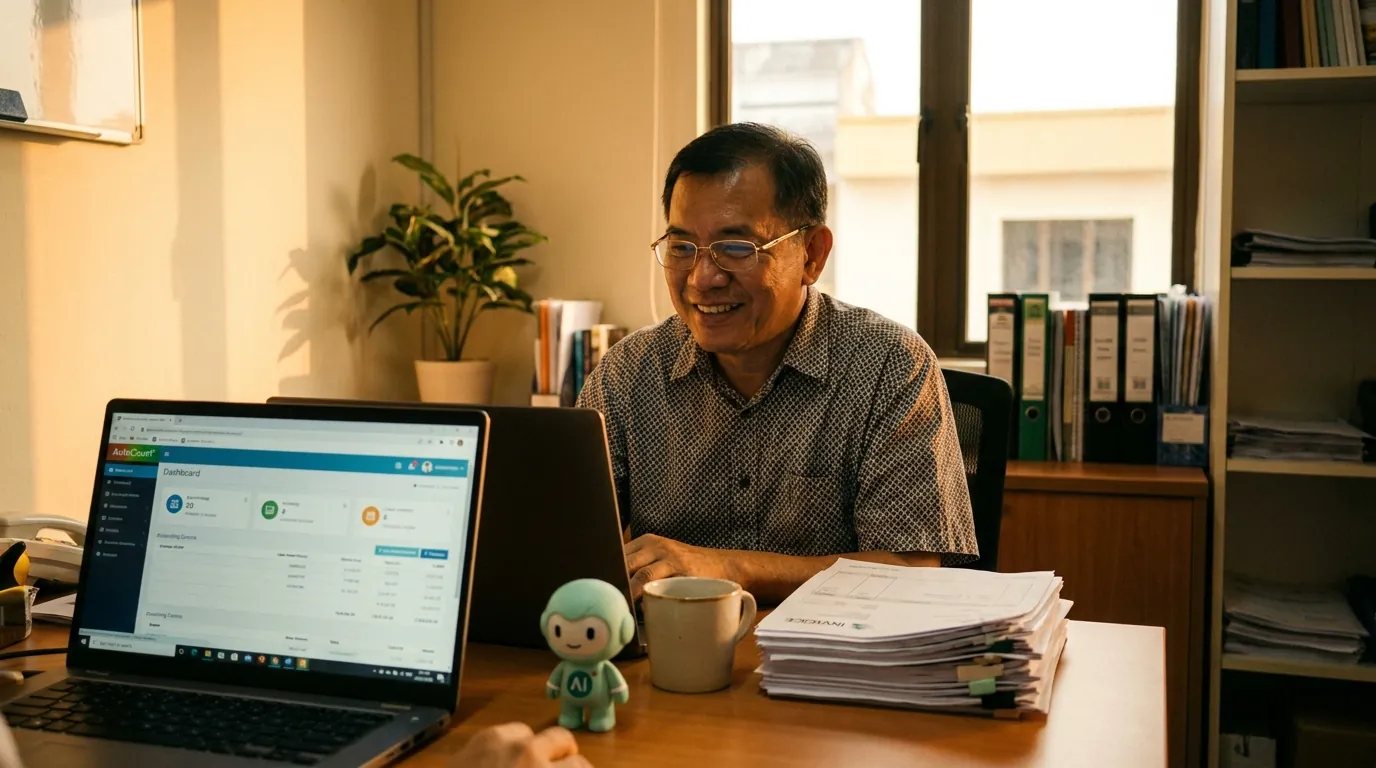
The owner opens the minidesk chat on the laptop. The AI reads the ledger, the bank feeds, the open WhatsApp threads, and replies in 4 seconds with a three-point summary: who paid overnight, who is past due, which customer follow-ups are queued for approval. The owner taps approve on the queued messages, the WhatsApp is up to date, the ledger is clean, the bank feed is reconciled. The morning is done by 7:46am.
That is the shape of a normal day. The bookkeeper opens her ledger dashboard once, around 10am, to do the human-shaped work — the reconciliation that needs judgement, the journal that needs a note, the month-end that needs a sign-off. The AI handles the rest: the WhatsApp, the reminders, the daily summary, the "any update?" reply. The owner handles the strategy. The bookkeeper handles the judgement. The AI handles the repetition. Everyone's day gets a little longer, and the customer gets a faster answer.
What it costs, in real money and in real time
The AI plan is a flat monthly fee — the number is on the pricing page, the quote is the quote, no per-message markup, no per-prompt surcharge, no enterprise tier. The translator for desktop ledgers is included. The OAuth for cloud ledgers is included. The WhatsApp Business API access is included. The Meta conversation fees are the same fees every platform pays, and we do not add a per-message markup on top. The only other line item is the AI usage, which is metered in the same units every modern AI tool uses, and which your bookkeeper will not notice unless she is doing something unusual.
The time saving is harder to put a number on, because the time is not a single block — it is a thousand two-minute savings across a month. The Monday morning phone tag that used to take three hours. The Friday afternoon invoice chase that used to take ninety minutes. The "any update?" reply that used to take fifteen minutes per customer. The end-of-day reconciliation that used to take an hour. The end-of-month report that used to take a day. The AI takes each one of those from minutes to seconds, and the sum is the difference between a business that is drowning in WhatsApp and a business that is using WhatsApp to grow.
The security question every business owner asks first
The first question every Malaysian owner asks, after "what does it cost" and "does it work with my software", is "where does my data go". The honest answer: the SQL Account database stays on the PC in your shop. The translator reads the database the same way the SQL Account desktop software reads it — same connection, same credentials, same file. Only the answer leaves the machine, not the row, not the table, not the credentials. The AI sees only what your SQL Account user is allowed to see, enforced at the database, not in a prompt.
The second question is "what about my customers' data when I message them on WhatsApp". The honest answer: the WhatsApp conversation is end-to-end encrypted, the same way every WhatsApp conversation is, and Meta does not read the contents. minidesk sees the conversation because you connected the number, and we use the conversation to write the follow-up notes back into your SQL Account. The conversation lives in three places: the customer's WhatsApp, your WhatsApp, and the SQL Account follow-up notes. The data isolation is the same isolation SQL Account itself enforces — your bookkeeper cannot see a customer she does not have permission for, and the AI cannot see a customer your bookkeeper cannot see.
How to add the AI to your SQL Account
The install takes about twenty minutes. The translator — a small Windows program — sits next to your existing SQL Account install on the same PC. It reads the same database the desktop software reads. Nothing is uploaded to the cloud. minidesk holds the AI and the WhatsApp layer. You sign in, the translator talks to the AI, the AI reads your ledger. You see the answers in the minidesk console and in your WhatsApp. That is the whole shape.
- 1Sign up at minidesk.co and pick SQL Account as your connector.
- 2Install the translator on the PC that already runs SQL Account (the install is signed, the size is small, the firewall prompt is one click).
- 3Connect your business WhatsApp number through Meta Embedded Signup — minidesk holds the Meta Business verification, so the typical 2–4 week wait is gone.
- 4Ask the AI a question in plain language. The first answer takes a minute because the translator is mapping your chart of accounts. After that, every answer is under three seconds.
- 5Hand the AI a workflow ("chase everyone over 30 days every Friday at 4pm") and it does it, shows you the queue, and asks before anything goes out.
If your business is already running on SQL Account, the AI layer is the smallest change you can make to the largest difference in how the day feels. The ledger stays the ledger. The bookkeeper stays the bookkeeper. The Monday morning phone tag is over.
→ See the SQL Account integration: /integrations/sql-account