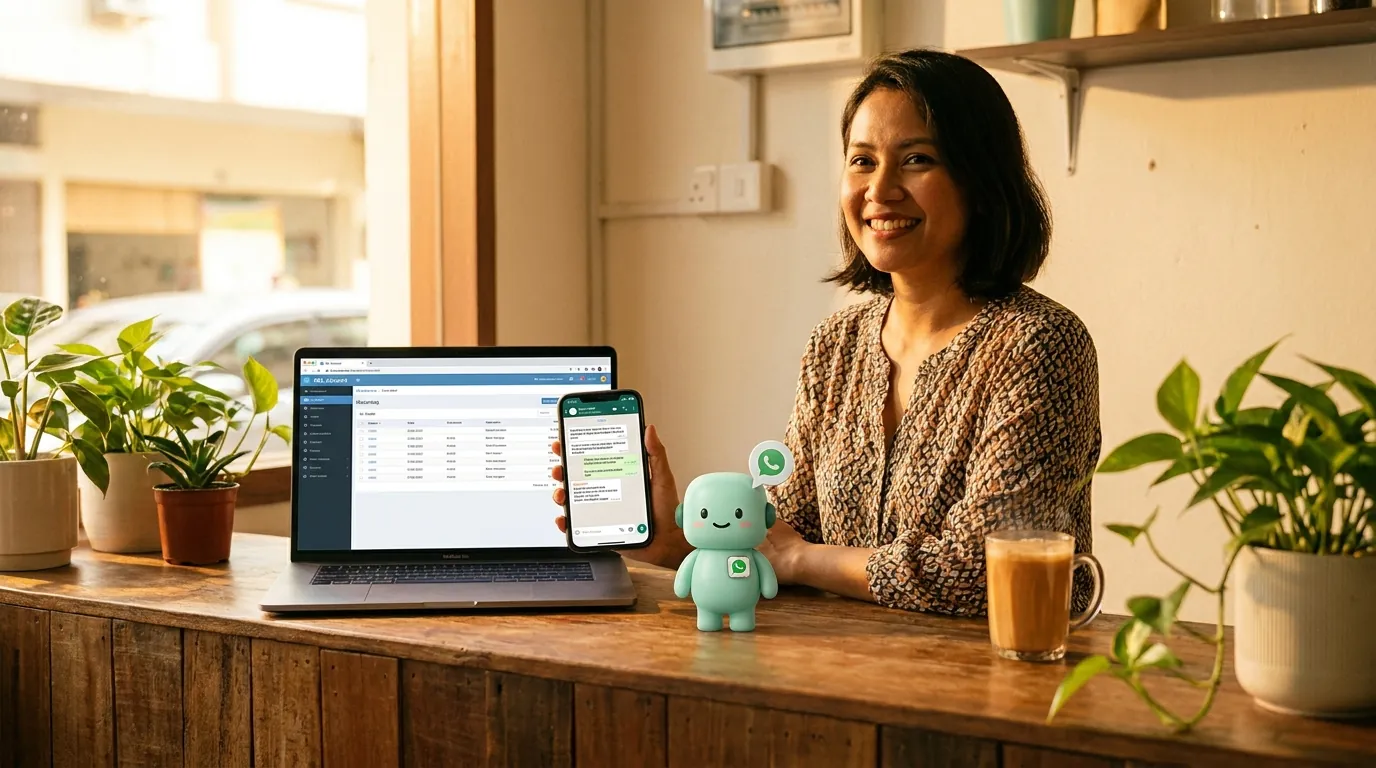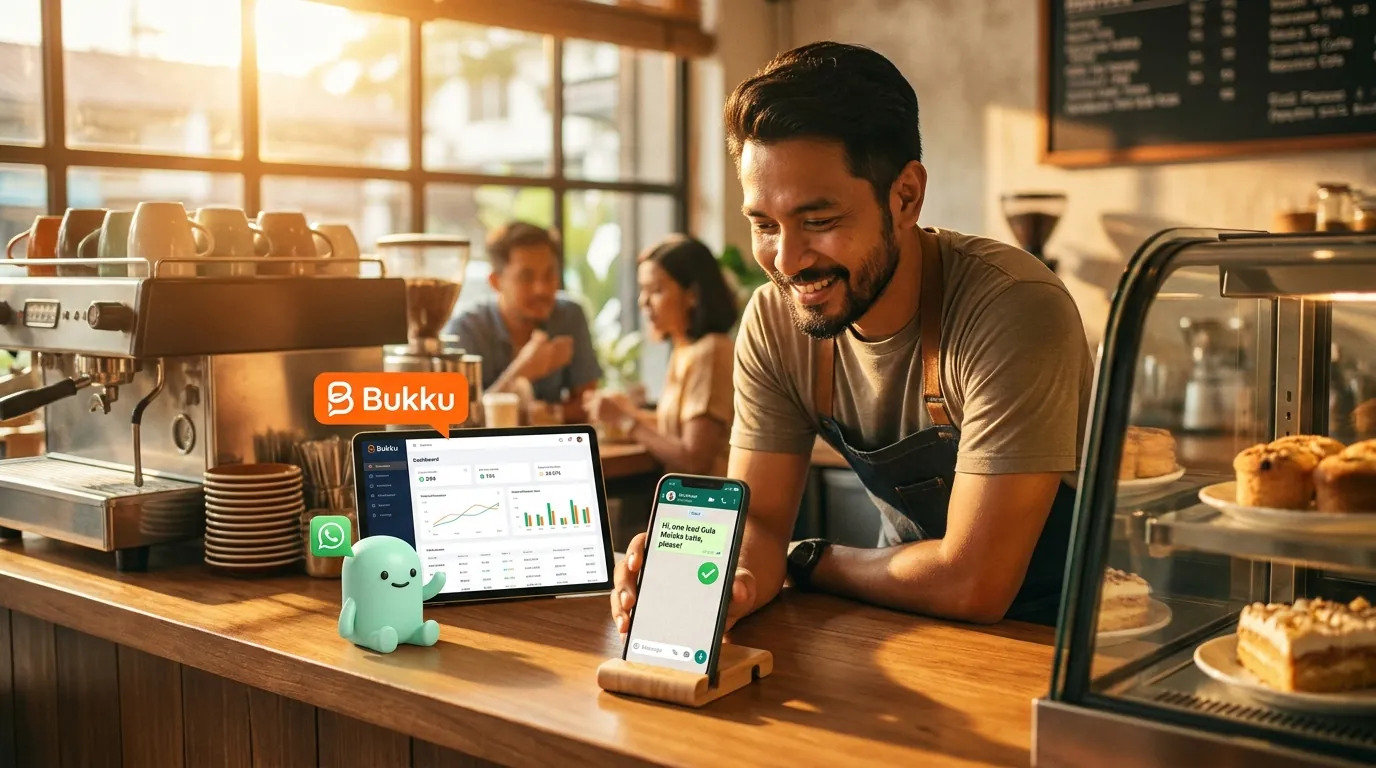
How to send WhatsApp messages from Bukku (the OAuth way)
Bukku is cloud-native. So is the WhatsApp connector. No Windows agent, no nightly sync, no "wait until tomorrow for the AI to see the invoice". One OAuth click, twenty minutes total.
minidesk · Editorial team, minidesk
Bukku is cloud-native. The connector is cloud-native. There is no Windows agent to install, no nightly sync to wait for, no \"the AI will see the invoice tomorrow morning\". One OAuth click to connect BukkuBukku, one Embedded Signup to connect WhatsApp, twenty minutes from signup to the first message. Here is how it works, and why the cloud-native difference is the part that matters.
The desktop-ledger way vs the Bukku way
With a desktop ledger like SQL Account or AutoCount, the connector is a small Windows program that sits on the PC that runs the ledger. The Windows program reads the local database, sends the answers to the AI in the cloud, and the AI replies. The round trip is fast. The dependency is a PC that is on, awake, and the right user is logged in.
With Bukku, the connector is a cloud-to-cloud link. Bukku's API is the same API the Bukku dashboard uses, so the AI sees the same data the dashboard sees, in the same second, with the same permissions the user has. There is no PC to leave on. There is no sync window. The bookkeeper saves an invoice in Bukku at 2:14pm, the AI sees it at 2:14:01pm, the WhatsApp goes out at 2:14:02pm. The customer has the message before the bookkeeper has refreshed the dashboard.
What the OAuth flow actually looks like
OAuth is the same flow you have used a hundred times: the platform opens a window, you sign in, you approve the scopes, the window closes, the connection is live. For Bukku, the flow is: click "Connect Bukku" in minidesk, the Bukku sign-in window opens, you sign in with the same credentials you use every day, Bukku shows the list of scopes the AI is asking for (read invoices, read contacts, read reports, read bank transactions), you click approve, the window closes, the connection is live. Under a minute, end to end.
The scopes are the contract. The AI is asking for read-only access to the parts of Bukku it needs to answer your questions. It is not asking for write access. It is not asking for delete access. The list of scopes is visible in your Bukku account under "Connected apps" and you can revoke any of them at any time. If the AI ever asks for a scope you did not expect, that is the moment to ask us why.
What the conversation looks like in practice
A small studio in Bangsar raises an invoice in Bukku on Monday morning: INV-2025-10234, RM3,600, due in 14 days. The customer's WhatsApp is in the Bukku contact. On Monday at 9:02am, the AI sees the new invoice and writes a WhatsApp: "Hi Puan Aishah, terima kasih untuk tempahan anda. Invois INV-2025-10234 untuk RM3,600 akan tamat tempoh pada 14 Ogos. Sila beritahu saya jika perlukan apa-apa." Puan Aishah reads the message on her way to work. The studio does not have to remember to chase. The AI already did.
On day 15, if the invoice is still unpaid, the AI writes again — a softer version, with the same invoice number, the same due date, the same RM3,600. On day 30, the AI writes a third time, with a slightly different tone, and the studio gets a notification in the minidesk console: "Invoice INV-2025-10234 is now 30 days past due. The customer has been messaged three times. Would you like to escalate?" The studio owner taps "yes, draft a call to me" and the AI writes: "Puan Aishah, our finance team will call you this afternoon to discuss invoice INV-2025-10234. Terima kasih." The conversation stays in WhatsApp. The bookkeeper stays in Bukku. The escalation is a tap.
“We were paying a bookkeeper RM400 a month to send the same WhatsApp reminders I was already typing. Now the AI sends them, the bookkeeper does the work that actually needs a human, and my customers get the reminder the same day the invoice goes out.”
— Aisha, who runs a freelance brand design practice in KL
What to do if you are already on a BSP
If you are already on a Business Solution Provider — WATI, SleekFlow, AiSensy, Twilio, MessageBird, or any of the long tail — the good news is the WhatsApp number and the API credentials are already in your business name, and Meta has already verified you. The migration is the part you are weighing, not the setup.
The practical path is: keep the BSP contract running for one billing cycle while you set up minidesk in parallel. Connect your ledger, install the translator or click the OAuth, and let the AI read your data. Authorise the Meta Embedded Signup for your existing WhatsApp number through the minidesk console — the number is yours, the verification is yours, the migration is a settings change at Meta, not a new application. Test the AI on a small set of conversations — say, the top 10 overdue customers — and compare the messages the AI drafts to the messages your BSP has been sending. When you are comfortable, switch the routing over and cancel the BSP at the next billing date.
The two parts that take the longest are the parallel-run (1–2 weeks of comparing the AI's messages to the BSP's) and the BSP cancellation (some BSPs require 30 days' notice, read the contract before you sign anything with us). The Meta-side change is a settings switch, not a re-verification. The number stays the same. The conversations stay the same. The customer does not notice the migration — and the AI is reading the same data your BSP never had access to.
Common mistakes when you set this up yourself
Three mistakes we see most often, all worth naming. (1) Connecting a personal WhatsApp number instead of a business number — Meta does not allow a personal number on the Business API, and the porting process is a separate project. (2) Trying to set this up before the chart of accounts is clean — the AI reads what is in the ledger, and a chart of accounts full of one-off accounts makes every answer longer than it needs to be. (3) Skipping the test phase — the first WhatsApp the AI sends should go to your own number, so you can see the layout, the language, the speed, before it goes to a customer. We have made all three of these mistakes ourselves; that is why the install wizard walks you through each one.
What it costs (and what it does not)
The Meta conversation fees are the same fees every platform pays. minidesk does not add a per-message markup on top of Meta's. The plan is a flat monthly fee that includes the AI, the channels, the connector, and the WhatsApp API. No per-conversation surcharge. No 12-month contract. No setup fee. The pricing is on the website; the quote is the quote.
If your business is already on Bukku, the WhatsApp path is the part of the AI you will use the most, and it is the part that takes the least time to set up. Twenty minutes from signup to the first message. The bookkeeper does not have to do anything different. The customer does not have to download an app. The message lands in the WhatsApp they already have open.
→ See the Bukku integration: /integrations/bukku