How to send WhatsApp messages from FeedMe (the no-wait way)
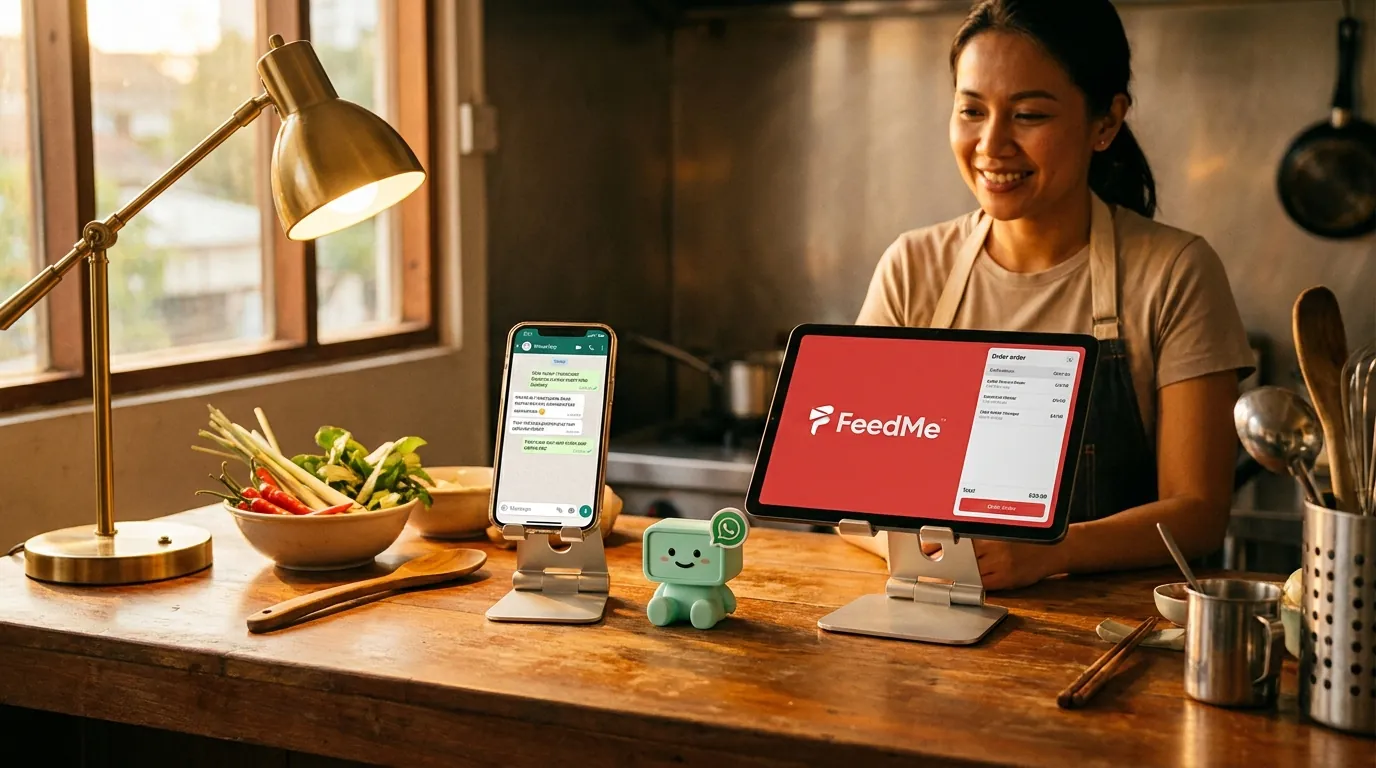
FeedMe already ships Remy, a WhatsApp bot that handles menu and order status. Here is what the same chat surface looks like with the minidesk AI behind it — the no-wait way to read the full FeedMe order book in the WhatsApp conversation.
minidesk · Editorial team, minidesk
FeedMe already ships Remy, the WhatsApp bot that handles the menu enquiry and the order status. The Remy setup is the slow Meta Embedded Signup process — the 2-to-4-week Meta business verification, the BSP route, the long wait. There is a faster path, and the faster path is the same chat surface with a bigger brain behind it. Here is what the no-wait path looks like on FeedMeFeedMe, in Bahasa Malaysia and English, in the prep queue the kitchen is actually working through.
Why the Remy setup is slow in Malaysia
The Remy setup runs through Meta Embedded Signup, which means the Meta business verification queue, which means the 2-to-4-week wait. The Meta queue is not a FeedMe problem; it is a Meta problem, and no bot — including Remy — can solve it on its own. The businesses that have already been verified are the ones whose number is already on the Business API; everyone else waits in the same queue.
The 2-to-4-week wait is not a guess. It is what Malaysian F&B businesses on the Remy and the equivalent BSP setup flows report, in the FeedMe support forums, in the Facebook community groups, in the Reddit threads. The pattern is the same: you sign up, you submit the SSM documents, you wait, you get a generic response that asks for more documents, you wait, you eventually get approved. For an 8-outlet restaurant group in the Klang Valley, the wait is the difference between "we can start sending WhatsApp order confirmations this week" and "we can start sending WhatsApp order confirmations next month."
What Embedded Signup actually is
Meta Embedded Signup is the flow where a business authorises a third-party application to send WhatsApp messages on the business's behalf. The flow is supposed to be one click. The reality is a three-step process: the business owner authorises the application, Meta runs the business verification, the application gets the API credentials. The first step is one click. The second step is the wait. The third step is the part no BSP can shortcut — Meta owns the verification queue, the documents, and the timeline.
The documents Meta asks for vary by country and by business type, but the Malaysian list usually includes: SSM registration (or the equivalent for sole proprietors), a sample of the business's website or Facebook page, and a phone number that matches the business name. The phone number is the part that catches a lot of small F&B businesses — Meta does not allow a personal WhatsApp number on the Business API, and the porting process is a separate project.
The plug-in path — what minidesk actually does
minidesk holds the Meta Business verification. When you sign up and pick FeedMe as your connector, three things happen in parallel: you connect your FeedMe org with one OAuth click, you connect your business WhatsApp number through Meta Embedded Signup, and you authorise the AI to read the FeedMe sales, menu, kitchen, and customers. The whole flow is twenty minutes, end to end. The Meta review queue is skipped because the queue is for businesses that have not been verified yet — your verification rides on minidesk's.
If Remy is already connected through the same WhatsApp number, the migration is a settings change at Meta, not a new application. The number stays the same. The chat surface stays the same. The customer does not notice the change. The brain behind the chat goes from Remy (the bot scoped to the menu and the order status) to the minidesk AI (the brain that reads the full FeedMe history, the prep queue, the inventory, the multi-outlet view).
What the conversation looks like in practice
It is 12:14pm on a Saturday in Bangsar. A customer sends a WhatsApp: "Nak order char kuey teow 1, hokkien mee 1, delivery ke Bangsar." ("I want to order 1 char kuey teow, 1 hokkien mee, delivery to Bangsar.") The AI reads the phone number, identifies the customer from the FeedMe contact list, finds the menu items, sees the Bangsar outlet's prep queue is medium, and replies: "Selamat tengahari Encik Lee! Pesanan Encik: char kuey teow 1 (RM 14.80), hokkien mee 1 (RM 16.50). Jumlah: RM 31.30. Penghantaran ke Bangsar dalam 35 minit. Bayar sekarang?" The reply lands at 12:14:08pm. Encik Lee confirms, the order flows to the FeedMe till at the Bangsar outlet, the kitchen display picks it up, the rider picks it up 28 minutes later. The order is in the till before a cashier has touched the keyboard.
It is 7:42pm on a Wednesday in Petaling Jaya. A regular customer sends a WhatsApp: "Same as last week." The AI reads the phone number, identifies the customer from the FeedMe contact list, finds the last order, and replies: "Selamat petang Puan Tan! Pesanan Puan minggu lepas: nasi goreng kampung 1, sotong goreng tepung 1, teh o ais 1. Jumlah: RM 38.50. Penghantaran dalam 40 minit. Sama macam biasa?" The reply lands at 7:42:04pm. Puan Tan confirms with a thumb. The order is in the till. The chef knows exactly what to prep. The cashier never touched the keyboard.
“Remy was fine for the menu and the order status. The minidesk AI is the part that actually reads the order book — the regular customer, the last week's order, the prep queue, the delivery ETA. Same chat, bigger brain.”
— Chef Linda, who runs the kitchen for a 5-outlet restaurant group in PJ
What to do if you are already on Remy (or a BSP)
If you are already on Remy, the migration is the easiest one in the matrix. The WhatsApp number, the API credentials, the Meta verification — all of it is already in your business name. The migration is a settings change at Meta: route the WhatsApp number to the minidesk AI instead of Remy. The number stays the same. The chat surface stays the same. The customer does not notice the change. The brain behind the chat is the one that reads the full FeedMe history.
If you are on a different Business Solution Provider — WATI, SleekFlow, AiSensy, Twilio, MessageBird — the practical path is: keep the BSP contract running for one billing cycle while you set up minidesk in parallel. Connect your FeedMe org with one OAuth click, let the AI read your data, and authorise the Meta Embedded Signup for your existing WhatsApp number through the minidesk console. Test the AI on a small set of conversations — say, the top 10 regular customers per outlet — and compare the messages the AI drafts to the messages Remy (or your BSP) has been sending. When you are comfortable, switch the routing over and cancel the BSP at the next billing date.
Common mistakes when you set this up yourself
Three mistakes we see most often, all worth naming. (1) Connecting a personal WhatsApp number instead of a business number — Meta does not allow a personal number on the Business API, and the porting process is a separate project. (2) Trying to set this up before the FeedMe menu is clean — the AI reads what is in FeedMe, and a menu full of one-off items makes every answer longer than it needs to be. (3) Skipping the test phase — the first WhatsApp the AI sends should go to your own number, so you can see the layout, the language, the price, the speed, before it goes to a customer. We have made all three of these mistakes ourselves; that is why the install wizard walks you through each one.
What it costs (and what it does not)
The Meta conversation fees are the same fees every platform pays. minidesk does not add a per-message markup on top of Meta's. The plan is a flat monthly fee that includes the AI, the channels, the connector, and the WhatsApp API. No per-conversation surcharge. No 12-month contract. No setup fee. The pricing is on the website; the quote is the quote. The plan works the same in RM, SGD, THB, PHP, and the rest of the currencies FeedMe serves.
If your F&B business is already on FeedMe, the WhatsApp path is the part of the AI you will use the most, and it is the part that takes the least time to set up. Twenty minutes from signup to the first message. The cashier does not have to do anything different. The customer does not have to download an app. The chat surface stays the same. The brain behind it is the one that reads months of FeedMe data, not just the menu card.
What the first 30 days actually look like
Most F&B operators that turn the AI on for the first time expect the AI to be the whole answer on day one. The honest answer is that the first 30 days are the calibration period — the AI is learning the per-outlet prep rhythm, the order book seasonality, the regular customers and their usual orders, the Bahasa-vs-English preference for each outlet, the menu items that only run at certain outlets, the kitchen queue pattern. The head chef is teaching the AI which menu items should be on the prep list, which suppliers the WhatsApp should go to, which low-water marks need the operations manager's attention. The operations manager is teaching the AI which questions are daily, which are weekly, which are ad-hoc.
By day 7, the AI is sending the first 3 workflows — the Friday afternoon prep list draft, the menu auto-reply, the per-outlet sales comparison — with no human in the loop. By day 14, the AI is handling the 80% of customer WhatsApp messages that are routine (menu enquiry, order confirmation, delivery update, opening hours) without a cashier touching the keyboard. By day 30, the AI is the layer that reads FeedMe in Bahasa and English, writes the WhatsApp with the live menu, and drafts the prep list from the order book — and the Friday afternoon prep meeting starts with a WhatsApp the AI drafted, not with a spreadsheet the head chef built at 4:30pm.
The number that matters most at the 30-day mark is the same one the head chef watches in his own kitchen: how many of last week's prep list items were correct on Monday morning. The honest target, for a Malaysian F&B chain running on FeedMe, is 75% accurate at 30 days, 88% at 60 days, 93% at 90 days. The remaining 7–12% is the part the head chef needs to adjust — the unexpected weather, the supplier delay, the staff shortage, the local event that doubled the covers. The AI is not trying to replace those. The AI is trying to clear the 93% so the head chef has the time for the 7%.
Common questions F&B operators ask before they start
- 1Does the AI replace Remy? Yes — the brain behind the chat goes from Remy (the bot scoped to the menu and the order status) to the minidesk AI (the brain that reads the full FeedMe history, the prep queue, the inventory, the multi-outlet view). The chat surface stays the same. The phone number stays the same. The customer does not notice the change. The head chef does.
- 2Does the AI write to FeedMe? No. Every order and every inventory adjustment stays in the FeedMe POS, exactly where the cashier made it. The AI is a reader of FeedMe and a writer of WhatsApp, never a writer of POS. The data isolation is the product (see the security page) — the wall is in the database, not in a prompt.
- 3Does the AI draft the prep list? Yes. The AI reads the FeedMe order book, the inventory low-water marks, and the supplier lead times, and drafts next week's prep list every Friday at 5pm. The head chef reviews the draft, adjusts for the local factors the AI cannot see (the weather, the staff, the local event), and approves.
- 4Does the AI work in Bahasa Malaysia and English? Yes. The AI matches the language the customer wrote in. The reply to a Bangsar customer is in Bahasa or English, depending on what the customer wrote. The menu items are in the language the FeedMe menu holds them in.
- 5What if I am not on FeedMe yet? Sign up for FeedMe first (feedme.com), connect your outlets, and let the till settle for a week. Then sign up for minidesk, pick FeedMe as the connector, and the AI starts reading the POS the moment the OAuth is authorised.
→ See the FeedMe integration: /integrations/feedme