FeedMe + AI: what it actually looks like in 2026
FeedMe already ships a WhatsApp bot called Remy. Here is what an AI layer that actually reads your full FeedMe sales history looks like — the one that knows the prep queue, the inventory, the multi-outlet view, not just the menu card Remy was scoped to.
minidesk · Editorial team, minidesk
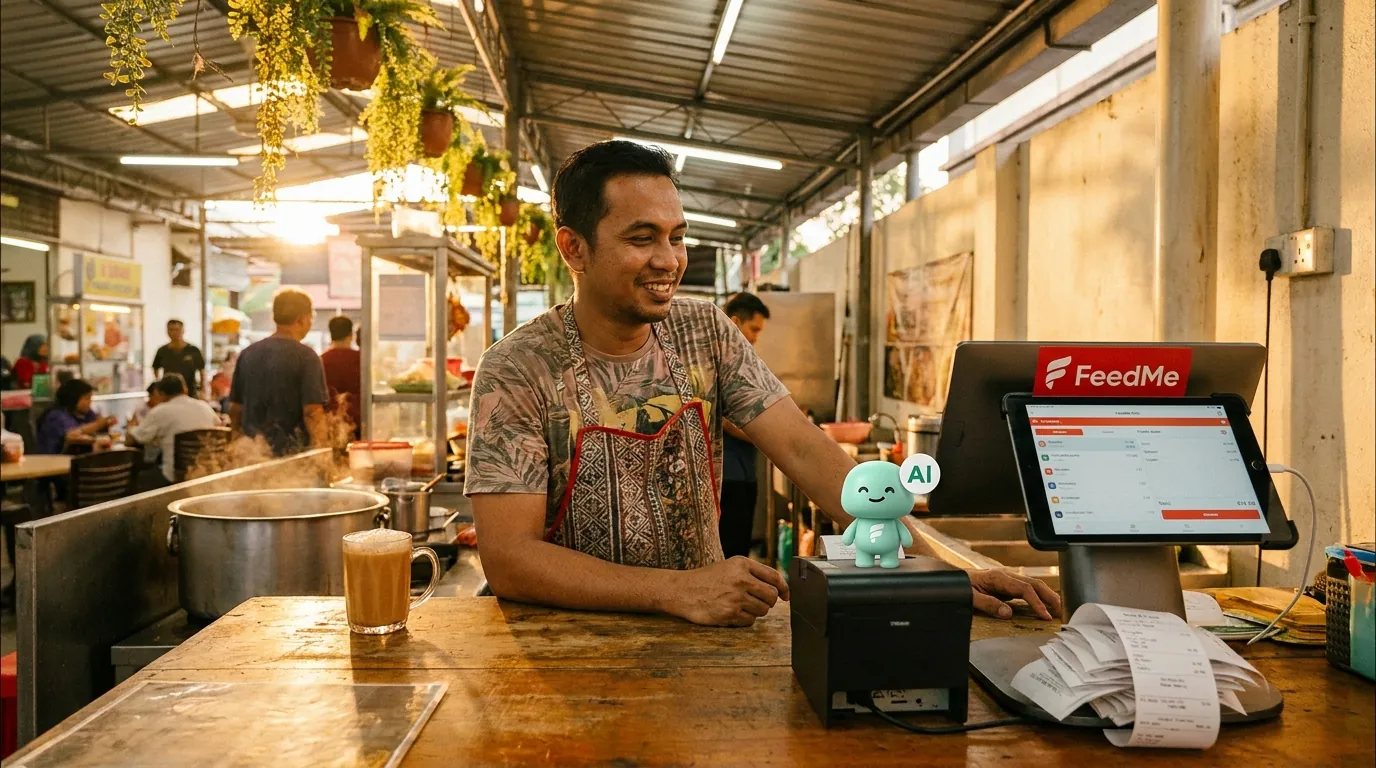
FeedMe is a cloud POS. FeedMeFeedMe already ships a WhatsApp bot called Remy that handles the menu enquiry and the order status. Here is what an AI layer on top of the same FeedMe POS looks like — the one that reads the full sales history, the prep queue, the inventory, the multi-outlet view, not just the menu card and the order status Remy was scoped to. Same chat surface. Bigger brain.
What "AI" means here — and why it is not Remy
Remy is a chat bot. Remy was scoped to answer menu questions and report order status. Remy is not reading the full FeedMe sales history, the prep queue, the inventory, the multi-outlet view. Remy was built by FeedMe because every F&B POS needs a customer-facing chat surface, and the menu is the part that fits in a chat. The thing Remy is not built to do is the part the head chef and the operations manager actually need: the prep list for tonight, the per-outlet comparison, the supplier reconciliation, the low-water mark in the inventory, the multi-week sales trend.
The minidesk AI is the layer that reads the same FeedMe database and does the things Remy was not scoped to do. Same chat surface — the customer still talks to the same WhatsApp number. Bigger brain — the brain is reading months of FeedMe data, not just the one order in front of it. The head chef gets the prep list. The operations manager gets the per-outlet breakdown. The purchasing manager gets the reorder list. The customer still gets the menu reply.
What it actually does for an 8-outlet restaurant group
Imagine a restaurant group Ms Tan runs, 8 outlets across the Klang Valley, the kind of business where the head chef's prep list changes every week based on the order book. The FeedMe POS holds every transaction, every menu item, every inventory level, every customer order, every outlet's till count. Remy handles the customer-facing menu and order status. The head chef lives in the FeedMe dashboard. The customers live in WhatsApp.
The minidesk AI reads the same FeedMe data and does four things the head chef used to do by hand. (1) Every Friday at 5pm, the AI drafts next week's prep list from the order book, the inventory low-water marks, and the supplier lead times. (2) When a customer in Bangsar sends a WhatsApp asking for the dinner menu, the AI reads the FeedMe menu, the live prep queue, and the Bangsar outlet's specific availability, and replies in English with the menu and the delivery ETA. (3) At the end of every shift, the AI sends the per-outlet sales comparison to the operations group, in Bahasa, with the top 5 items per outlet. (4) When the AI notices a low-water mark in the Bangsar outlet's inventory, it sends a WhatsApp to the purchasing manager with the reorder list, with the supplier contacts attached.
None of that is a different product. It is the same FeedMe Ms Tan has been paying for. The AI is the new interface — the layer that lets the business ask the POS a question in Bahasa or English and get the real answer back, in the channel the customers already use, in the language the staff already speak.
Why the same AI replaces Remy without replacing the chat
The migration is the part that matters. The customers do not need to download a new app. The phone number does not change. The chat surface is the same WhatsApp. The only thing that changes is the brain behind the chat. The brain goes from "answer the menu and report the order status" to "read the full FeedMe history, the prep queue, the inventory, the multi-outlet view, and answer in Bahasa or English, in the channel the customer is already using." The customer does not notice the change. The head chef does.
“Remy was fine for the menu and the order status. The AI is the part that actually reads the order book, the prep queue, the inventory, and tells the head chef what to prep tomorrow. Same chat surface, bigger brain.”
— Chef Amir, who runs the kitchen for an 8-outlet restaurant group in the Klang Valley
The honest limits of the AI
Three limits worth naming, because the limits are the part nobody else puts in the brochure. (1) The AI reads the FeedMe data you have connected. If the menu is a mess, the answers will be longer than they need to be. (2) The AI does not write back to FeedMe. Every order and every inventory adjustment stays in the POS, exactly where your cashier made it — the AI is a reader and a writer of WhatsApp, not a writer of POS. (3) The AI is not a replacement for a head chef or an operations manager. It is the layer that lets them stop copying numbers into spreadsheets. The head chef still owns the prep list. The operations manager still owns the morning meeting.
How to add the AI to your FeedMe (and replace Remy)
Three steps, end to end in twenty minutes. (1) Sign up at minidesk.co, pick FeedMe as the connector, and authorise the OAuth — the same flow you use to link Google Calendar to a third-party app. minidesk requests only the scopes the AI needs: read sales, read menu, read kitchen, read customers. (2) Connect your business WhatsApp number through Meta Embedded Signup. If Remy is already on the same number, the migration is a settings change at Meta, not a new application. (3) Hand the AI its first workflow — "every Friday at 5pm, draft next week's prep list from the order book and the low-water marks" — and the first prep list lands that Friday. The cashier does not have to do anything different. The customer does not have to download an app. The chat surface stays the same. The brain behind it is the one that reads months of FeedMe data, not just the menu card.
If you run a multi-outlet business, the install wizard walks you through picking the outlets the AI should read. If you run a single outlet, the setup is the same flow with the outlet preselected. If you operate across Malaysia, Singapore, and Thailand, the wizard walks you through the per-country WhatsApp number — each country gets its own WhatsApp connection, the AI handles the cross-country routing from the same FeedMe org.
The install is the only part that takes 20 minutes. After that, the AI is reading the FeedMe data on every OAuth refresh — the till count, the menu, the kitchen, the customers, the lot — and the only ongoing work is teaching the AI which workflows matter to your business. The first three are the menu auto-reply, the per-outlet sales comparison, and the Friday prep list draft. The next three are the ones your head chef and your operations manager will ask for once the first three are running. The regular customers — the ones whose last order the AI can pull from the contact history — are the part your customers will notice first.
→ See the FeedMe integration: /integrations/feedme