Sage + AI: the layer Sage is not going to ship on every product
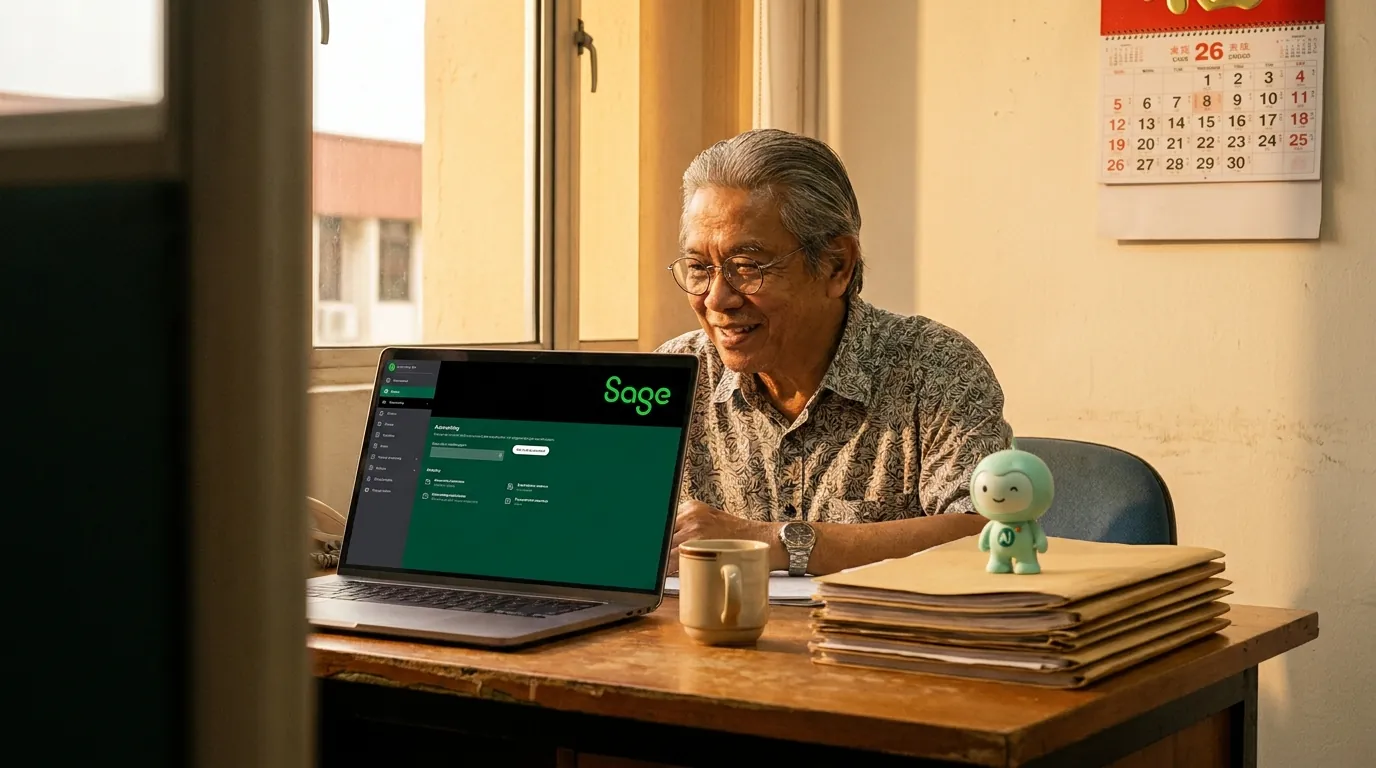
Sage has a long product line: Intacct, Business Cloud Accounting, Sage 50, 100, 200. Each ships with its own reporting, its own dashboard, its own idea of what an AI assistant looks like. Here is what a different layer of AI looks like, on the Sage ledger millions of small and mid-market businesses already run.
minidesk · Editorial team, minidesk
Sage has been busy. SageSage Intacct has its own AI features for multi-entity consolidations. Sage Business Cloud Accounting has an in-product assistant for invoice categorisation. Sage 50 has a long-running \"Sage Intelligence\" reporting layer. Each product ships with its own reporting, its own dashboard, its own idea of what an AI assistant looks like. Here is what a different layer of AI looks like, and what it does for a UK multi-entity wholesaler that runs Sage 200 across 3 companies, a US mid-market services firm on Sage Intacct, or a South African retailer on Sage Business Cloud.
What the in-product AI does, and what it does not
Sage's in-product AI features are anchored to the Sage interface. You open Sage, you ask the assistant, the assistant reads the Sage data, the answer appears in the side panel. The data the assistant can see is the data inside Sage — the chart of accounts, the invoices, the bank feed, the reports. The data the assistant cannot see is the data outside Sage: the WhatsApp thread, the customer's email, the e-commerce platform, the POS, the warehouse system, the project tracker, the other Sage orgs in the group.
The second layer of AI is the layer that reads the data outside Sage and writes the answers into the channel the customer is actually using. The second layer does not replace the first — your bookkeeper keeps the in-product workflow they already know — it adds the channel, the language, the cross-entity view, and the cross-software view that the in-product assistant was never built to cover.
Three concrete use cases
1 · The UK wholesaler that runs Sage 200 across 3 companies
James runs a 22-person wholesale business out of Birmingham. The business operates as three separate legal entities — the holding company, the wholesale arm, the e-commerce arm — each on its own Sage 200 install, each with its own chart of accounts, each with its own finance team. The group accountant is good at Sage 200 but she is one person, and the cross-entity questions — "what is our group-wide A/R aging in GBP, which entity is the most exposed, which customers owe across all three" — take her half a day every Monday. By the time the report is in James's hand, the team is already in the weekly meeting.
With the second layer of AI, the group-wide view is one ask. James opens the AI at 8:14am on Monday: "Show me the group-wide A/R aging." The AI reads all three Sage 200 orgs, ranks the customers by total exposure, identifies the cross-entity customers (the same company name appearing in more than one org), and writes the report in one short message. The group accountant reviews the AI's draft, makes the two adjustments the AI would not know to make (the intercompany loan reconciliation, the disputed invoice), and the report is in James's inbox by 8:45am. The weekly meeting starts on time.
2 · The US mid-market firm that loses 4 hours a day to customer WhatsApp
Maria runs a 35-person professional services firm in Austin. The firm runs Sage Intacct for the GL, the project accounting, the revenue recognition, the multi-entity consolidation. The 8 client managers split the WhatsApp inbox between them. They spend the first hour of every morning answering questions the Sage dashboard could answer in three seconds — what is my balance, where is my invoice, has the deposit cleared. By 10am, the actual client work has not started.
With the second layer of AI, the WhatsApp inbox is the assistant's inbox. A client in Dallas sends a WhatsApp at 8:14am: "Can I get an update on INV-7841?" The AI reads the Sage Intacct invoice record, sees the deposit landed on Friday, and replies: "Hi David, INV-7841 for USD 12,400 was paid on Friday. Your account is up to date. Let me know if you need the receipt resent." The client manager sees the thread, the client is happy, the morning starts at 9:30am instead of 10:45am.
3 · The South African retailer that wants the WhatsApp reminder tailored to the customer
Thandi runs a 6-store retail operation in Johannesburg. The business runs Sage Business Cloud Accounting — the cloud version, with the bank feed, the VAT submission, the multi-store inventory. The credit controller is one person, and the overdue WhatsApp reminders go out in a single batch every Friday afternoon. The problem is the message is the same for every customer: a generic reminder with the invoice number and the amount. The customers who always pay on time resent the message. The customers who are in dispute ignore the message. The customers in the middle open the message but do not reply.
With the second layer of AI, the WhatsApp reminder is tailored to the customer. The AI reads the Sage AR aging, the prior payment history, the dispute notes (where the credit controller has logged them), the credit terms, and writes the message that is appropriate for that customer, in their language (English, Afrikaans, Zulu, the lot the customer wrote in), on the WhatsApp they already have open. The customer who always pays on time gets a thank-you-and-reminder. The customer who is in dispute gets a "we see the dispute, we are working on it" message. The customer in the middle gets a tailored nudge with the invoice number, the amount, the link to the statement, and a real human's name at the bottom. The collection rate goes up. The customer relationships stay intact.
“We run three Sage 200 orgs and a WhatsApp inbox that never closes. The AI is the layer that finally gives us a group-wide view without the Monday-morning spreadsheet, and a WhatsApp reply that is tailored to the customer, not to the template.”
— James, who runs a 22-person wholesale group in Birmingham
What it looks like across 3 currencies, 4 time zones, and a multi-entity consolidation
The honest test of an AI on a multi-entity Sage install is what happens when the same AI meets three orgs, three currencies (GBP, USD, ZAR), four time zones (London, New York, Johannesburg, Singapore), and a multi-entity consolidation the in-product dashboard was never built to answer in a single sentence. Here is the test. James asks at 8:14am London time: "Show me the group-wide cash position." The AI reads all three Sage orgs, converts the balances to GBP at the day's mid-rate, ranks the entities by cash, identifies the two customers with the largest cross-entity exposure, and writes the report in one short message — the cash position, the entity breakdown, the top two cross-entity customers, and the WhatsApp thread for each. The group accountant reviews the AI's draft, the report is in James's inbox by 8:45am London, the weekly meeting starts on time.
Why the same AI shape travels to every Sage product
The reason the same AI shape wins on Sage Intacct, Sage Business Cloud Accounting, Sage 50, Sage 100, and Sage 200 is the same reason the same content shape wins on every global accounting product. The buyer journey is the same. A bookkeeper who runs their firm on Sage 200 in Birmingham is asking Google the same question a bookkeeper who runs their firm on Sage Intacct in Austin is asking: "can I add an AI to Sage?" The product name changes; the long-tail keyword does not. The compliance hook changes — UK MTD, US sales tax, South African VAT, Singapore GST — but the structure of the question is identical: a small or mid-market business owner who chose Sage because it was the right ledger, and now wants an AI layer on top because the ledger still does not answer the WhatsApp.
The honest limits of the AI
Three limits worth naming, because the limits are the part nobody else puts in the brochure. (1) The AI reads the Sage data you have connected. If the chart of accounts is a mess, the answers will be longer than they need to be. (2) The AI does not write back to Sage. Every change to the ledger stays in Sage, exactly where your bookkeeper made it — the AI is a reader and a writer of WhatsApp, not a writer of ledgers. (3) The AI is not a replacement for a bookkeeper. It is the layer that lets the bookkeeper stop copying numbers into WhatsApp. The bookkeeper still reviews the month-end close, still signs off on the multi-entity consolidation, still owns the books.
How to add the AI to your Sage
Three steps, end to end in twenty minutes for the cloud products (Intacct, Business Cloud) and a little longer for the on-prem installs (Sage 50, 100, 200 — the translator pattern, the same Windows-agent shape as SQL Account). (1) Sign up at minidesk.co, pick Sage as the connector, and authorise the OAuth — the same flow you use to link Google Calendar to a third-party app. minidesk requests only the scopes the AI needs: read invoices, read contacts, read reports, read bank transactions. (2) Connect your business WhatsApp number through Meta Embedded Signup. minidesk holds the Meta Business verification, so the typical 2-week Meta wait is gone. (3) Hand the AI its first workflow — "every Monday at 8am London time, draft the group-wide A/R aging across all our Sage orgs, in GBP" — and the first message lands the next Monday.
If you have a multi-entity business and want the cross-entity view first, the install wizard walks you through picking the orgs the AI should read. If you run a single entity, the setup is the same flow with the org preselected. If you operate across the UK, the US, South Africa, and Singapore, the wizard walks you through the per-country WhatsApp number — each country gets its own WhatsApp connection, the AI handles the cross-country routing from the same Sage orgs.
→ See the Sage integration: /integrations/sage
Related reading