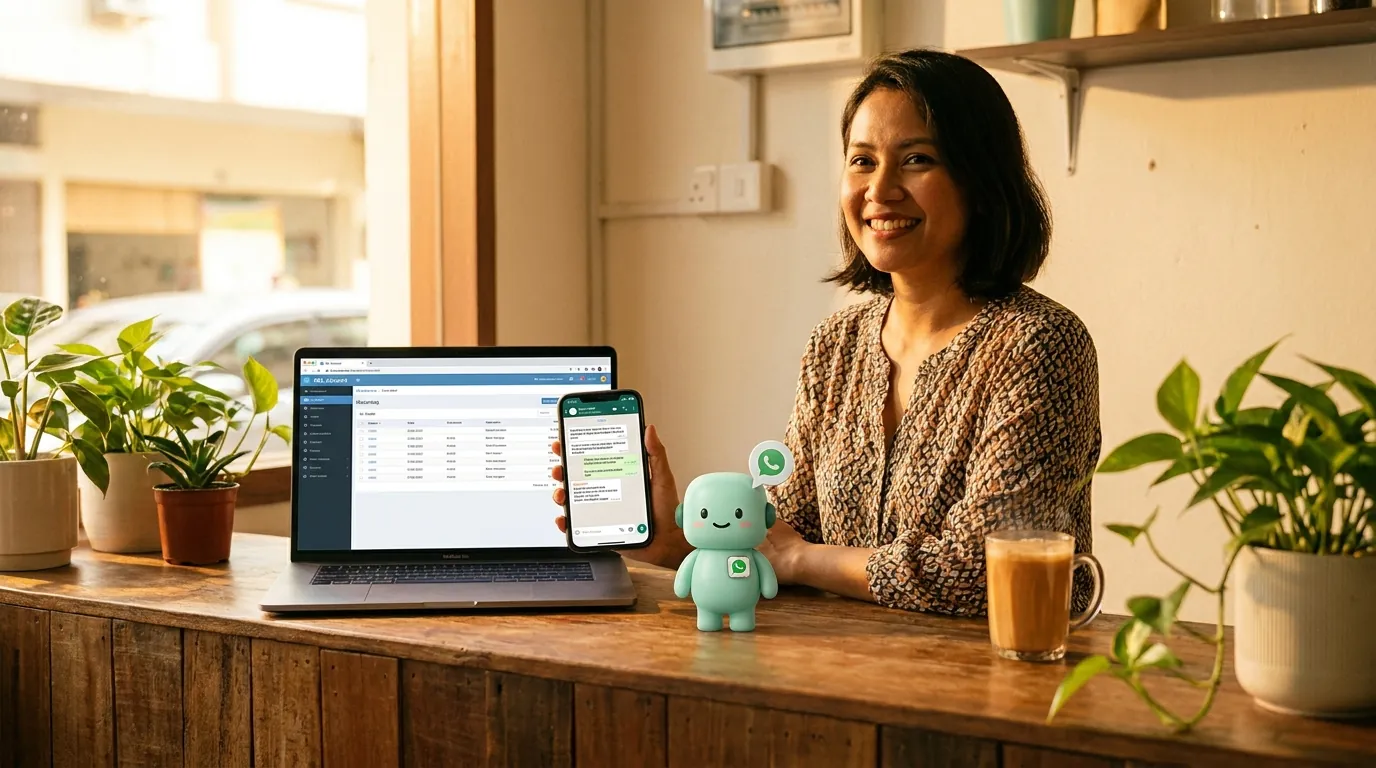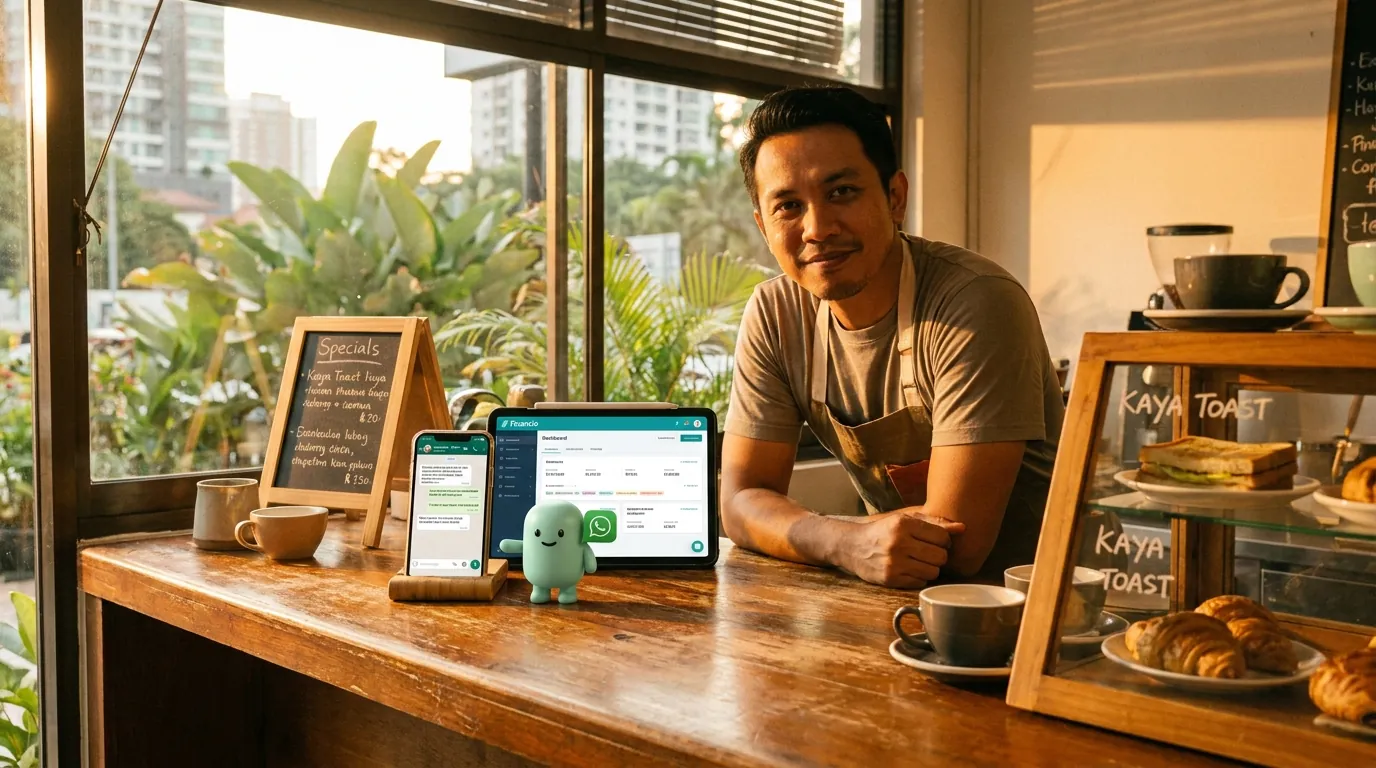
How to send WhatsApp messages from Financio (the no-wait way)
The Meta Embedded Signup process for the WhatsApp Business API takes 2–4 weeks for most Vietnamese businesses. There is a faster path. Here is what it looks like on Financio — in VND, in Vietnamese, in the four countries Financio serves.
minidesk · Editorial team, minidesk
You run your business on Financio. Your customers live on WhatsApp. The first time you try to connect the two — to send a payment reminder, an invoice copy, a delivery update — the Meta Embedded Signup process starts, the Meta business verification queue starts, and the two-to-four-week clock starts. There is a faster path. Here is what the faster path looks like on FinancioFinancio, in VND, in Vietnamese, in the four countries Financio serves.
Why the BSP route is slow in Vietnam
The Vietnamese WhatsApp Business API market runs through Business Solution Providers — WATI, Sleekflow, AiSensy, Twilio, MessageBird, the long tail. Every BSP requires the business to go through Meta Embedded Signup themselves, which means the Meta business verification queue, which means the 2-to-4-week wait. The Meta queue is not a BSP problem; it is a Meta problem, and no BSP can solve it on their own. The businesses that have already been verified are the ones whose number is already on the Business API; everyone else waits in the same queue.
The 2-to-4-week wait is not a guess. It is what Vietnamese businesses on the WATI and Sleekflow signup flows report, in the WATI and Sleekflow support forums, in the Facebook community groups, in the Reddit threads. The pattern is the same: you sign up, you submit the business verification documents, you wait, you get a generic response that asks for more documents, you wait, you eventually get approved. For a four-outlet coffee chain in Hanoi, the wait is the difference between "we can start sending WhatsApp this week" and "we can start sending WhatsApp next month."
What Embedded Signup actually is
Meta Embedded Signup is the flow where a business authorises a third-party application to send WhatsApp messages on the business's behalf. The flow is supposed to be one click. The reality is a three-step process: the business owner authorises the application, Meta runs the business verification, the application gets the API credentials. The first step is one click. The second step is the wait. The third step is the part no BSP can shortcut — Meta owns the verification queue, the documents, and the timeline.
The documents Meta asks for vary by country and by business type, but the Vietnamese list usually includes: business registration certificate (giấy chứng nhận đăng ký doanh nghiệp), tax registration, a sample of the business's website or Facebook page, and a phone number that matches the business name. The phone number is the part that catches a lot of small businesses — Meta does not allow a personal WhatsApp number on the Business API, and the porting process is a separate project.
The plug-in path — what minidesk actually does
minidesk holds the Meta Business verification. When you sign up and pick Financio as your connector, three things happen in parallel: you connect your Financio org with one OAuth click, you connect your business WhatsApp number through Meta Embedded Signup, and you authorise the AI to read the Financio invoices, contacts, reports, and bank transactions. The whole flow is twenty minutes, end to end, in any country Financio serves. The Meta review queue is skipped because the queue is for businesses that have not been verified yet — your verification rides on minidesk's.
The second part of the no-wait path is that the WhatsApp message already knows what the Financio database says, in the right currency, the right tax label, the right contact name for the country the invoice was raised in. When the AI sends a message to a customer in Hanoi, the message reads in Vietnamese, in VND, with the VAT label, on the Financio invoice line. When the AI sends a message to a customer in Singapore, the message reads in English, in SGD, with the GST label. When the AI sends a message to a customer in Kuala Lumpur, the message reads in Bahasa, in MYR, with the SST label. When the AI sends a message to a customer in Hong Kong, the message reads in English (or Traditional Chinese), in HKD. The AI is reading the same Financio your bookkeeper reads, in the same currency, the same tax label, the same language the Financio invoice was raised in.
What the conversation looks like in practice
It is 3:14pm on a Tuesday in Hanoi. A wholesale customer in Cau Giay sends a WhatsApp: "Cho tôi xin hoá đơn tháng 6." ("Send me the June invoice.") The AI reads the phone number, identifies the customer from the Financio contact list, finds the June invoice, sees it was paid in full last week, and replies in Vietnamese: "Chào anh Tuấn, hoá đơn INV-2026-06-018 cho 18,400,000 VND đã được thanh toán vào ngày 12/6. Tôi vừa gửi lại bản PDF qua đây. Anh cần gì thêm không ạ?" The reply lands at 3:14:08pm, Hanoi time. Mr Tuấn reads it on the bus. The bookkeeper in the office is at lunch. The conversation is handled.
It is 10:42am on a Wednesday in Singapore. A customer in Toa Payoh sends a WhatsApp: "Can I get an update on INV-2026-SG-0218?" The AI reads the phone number, identifies the customer from the Financio contact list, finds the Singapore invoice, sees the payment landed this morning, and replies: "Hi Mr Lim, yes — INV-2026-SG-0218 for SGD 2,400 was paid this morning via your DBS account. The receipt has been emailed. Let me know if you need anything else." The reply lands at 10:42:04am, Singapore time. Mr Lim reads it on the MRT. The conversation is handled.
“We operate in three currencies, four countries, and four languages. The WhatsApp AI is the first tool that handles all of them without us having to teach it the difference.”
— Anh Khoa, who runs a wholesale operation out of Ho Chi Minh City
What to do if you are already on a BSP
If you are already on a Business Solution Provider — WATI, SleekFlow, AiSensy, Twilio, MessageBird, or any of the long tail — the good news is the WhatsApp number and the API credentials are already in your business name, and Meta has already verified you. The migration is the part you are weighing, not the setup.
The practical path is: keep the BSP contract running for one billing cycle while you set up minidesk in parallel. Connect your Financio org with one OAuth click, let the AI read your data, and authorise the Meta Embedded Signup for your existing WhatsApp number through the minidesk console — the number is yours, the verification is yours, the migration is a settings change at Meta, not a new application. Test the AI on a small set of conversations — say, the top 10 wholesale customers across the four countries — and compare the messages the AI drafts to the messages your BSP has been sending. When you are comfortable, switch the routing over and cancel the BSP at the next billing date.
Common mistakes when you set this up yourself
Three mistakes we see most often, all worth naming. (1) Connecting a personal WhatsApp number instead of a business number — Meta does not allow a personal number on the Business API, and the porting process is a separate project. (2) Trying to set this up before the Financio org is clean — the AI reads what is in Financio, and a chart of accounts full of one-off accounts makes every answer longer than it needs to be. (3) Skipping the test phase — the first WhatsApp the AI sends should go to your own number, so you can see the layout, the language, the currency, the speed, before it goes to a customer. We have made all three of these mistakes ourselves; that is why the install wizard walks you through each one.
What it costs (and what it does not)
The Meta conversation fees are the same fees every platform pays. minidesk does not add a per-message markup on top of Meta's. The plan is a flat monthly fee that includes the AI, the channels, the connector, and the WhatsApp API. No per-conversation surcharge. No 12-month contract. No setup fee. The pricing is on the website; the quote is the quote. The plan works the same in VND, SGD, MYR, HKD, and the rest of the currencies Financio supports.
If your business is already on Financio, the WhatsApp path is the part of the AI you will use the most, and it is the part that takes the least time to set up. Twenty minutes from signup to the first message. The bookkeeper does not have to do anything different. The customer does not have to download an app. The message lands in the WhatsApp they already have open, in the language they already speak, in the currency the Financio invoice was raised in.
→ See the Financio integration: /integrations/financio