Access UBS + AI: the layer the Access Group will not write for you
Access UBS is the desktop ledger hundreds of Malaysian accounting firms and SMEs have run for two decades. The vendor will not ship an AI layer. Here is what one looks like, on the database file you have been running since 2008.
minidesk · Editorial team, minidesk
Access UBSAccess UBS is the desktop accounting software hundreds of Malaysian accounting firms and small businesses have run for twenty years — first as Sage UBS, then as MYOB UBS, now as Access UBS after the Access Group bought the product line. The customers are loyal, the data files are old, and the Access Group's roadmap is the ledger, not the AI. Here is what the AI layer looks like, and what it does for a 4-partner accounting firm in Petaling Jaya that runs 120 client sets on UBS.
What "AI on Access UBS" actually means
Access UBS is a desktop accounting suite. The chart of accounts, the general ledger, the AR, the AP, the bank reconciliation, the fixed assets, the GST / SST reporting. The data lives in a local Microsoft Access .MDB file or a SQL Server database on the firm's server. There is no public API. There has never been one. The product was built in an era when "integration" meant exporting a CSV and importing it into something else, and the vendor has not changed the shape.
When we say AI on top of Access UBS, we do not mean a chatbot that lives in a tab next to the ledger. We mean an assistant that reads the same .MDB / SQL Server file the desktop software reads, answers your questions in plain language, and writes the answers into the WhatsApp thread your clients already use. The AI is not a new system. It is a new way to talk to the system your firm has been running for twenty years.
Three concrete use cases, in plain language
1 · The 4-partner accounting firm in PJ
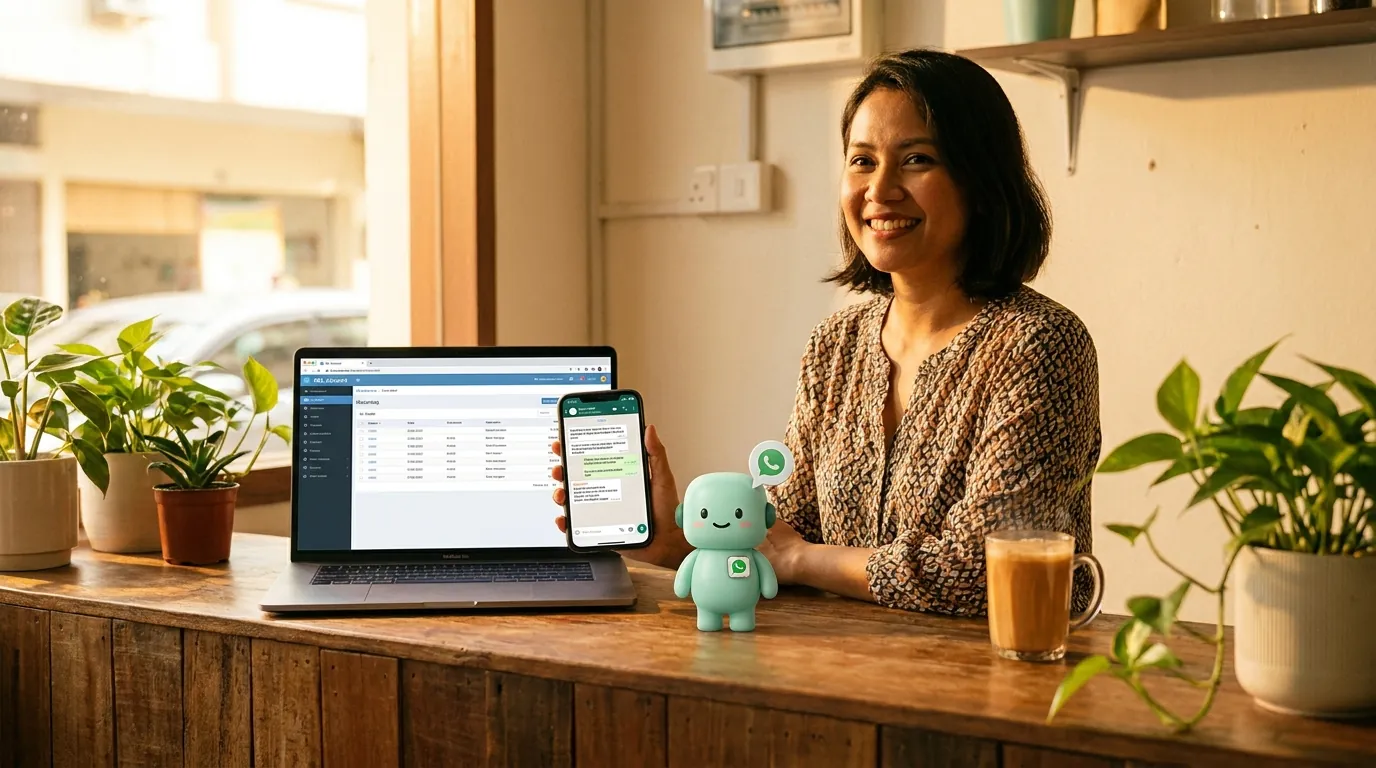
Pn. Salmah is a partner at a 4-partner accounting firm in Petaling Jaya. The firm runs 120 client sets on Access UBS — a mix of trading, manufacturing, F&B, and professional services SMEs. Every client expects a monthly WhatsApp from the firm: a balance confirmation, a GST / SST status update, a list of outstanding invoices. Today, those messages are drafted by hand. The two accounts clerks spend three days every month copying numbers from the UBS reports into a Word template, then into WhatsApp. By the time the last client's message is sent, the first client has already replied with a question that needs another UBS lookup.
With the AI layer, the monthly WhatsApp cycle is automated. The AI reads each client's Access UBS ledger, drafts the balance confirmation in the client's language (Bahasa Malaysia for the local clients, English for the Singaporean ones), and shows the firm a queue of 120 drafts before anything goes out. The two accounts clerks spend the day reviewing and approving, not drafting. The clients get their message on the same day every month, in the same language, with the right numbers. The replies land in the firm's WhatsApp, the AI reads the reply, and the follow-up note is written back to the Access UBS client record.
2 · The Penang manufacturer who has run UBS since 2008
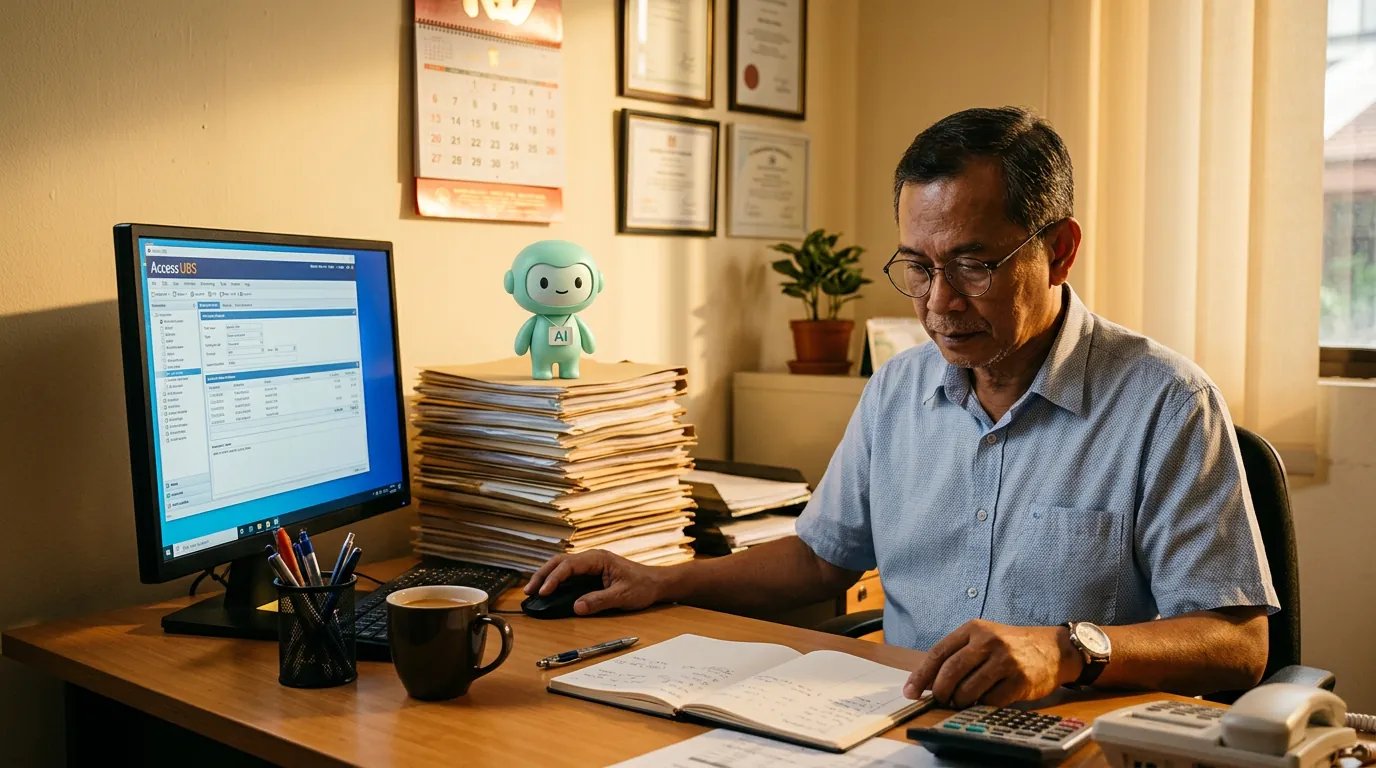
Mr. Goh runs a 35-person contract manufacturing business in Prai, Penang. He has been on Access UBS since 2008, and the .MDB file on the office server has been continuously refined for 18 years. The chart of accounts has 1,400 lines. The debtor master has 380 active customers. The bookkeeper is the only person in the company who knows how to drive the report writer, and she is two years from retirement. Mr. Goh's worry is not the software — the software works. His worry is what happens when the bookkeeper retires and the new hire cannot read the report writer.
With the AI layer, the report writer is no longer the bottleneck. The new hire opens the WhatsApp chat, types "what is the AR aging for last month", and the AI reads the Access UBS database, runs the equivalent of the aging report, and replies with the breakdown. The 18 years of chart-of-accounts refinement is preserved — the AI reads the chart, does not refactor it — and the new hire does not have to learn the report writer to answer the questions the business asks every day. The bookkeeper's last year at the company is the year the system becomes self-documenting.
3 · The small trading company that uses UBS for what it is good at
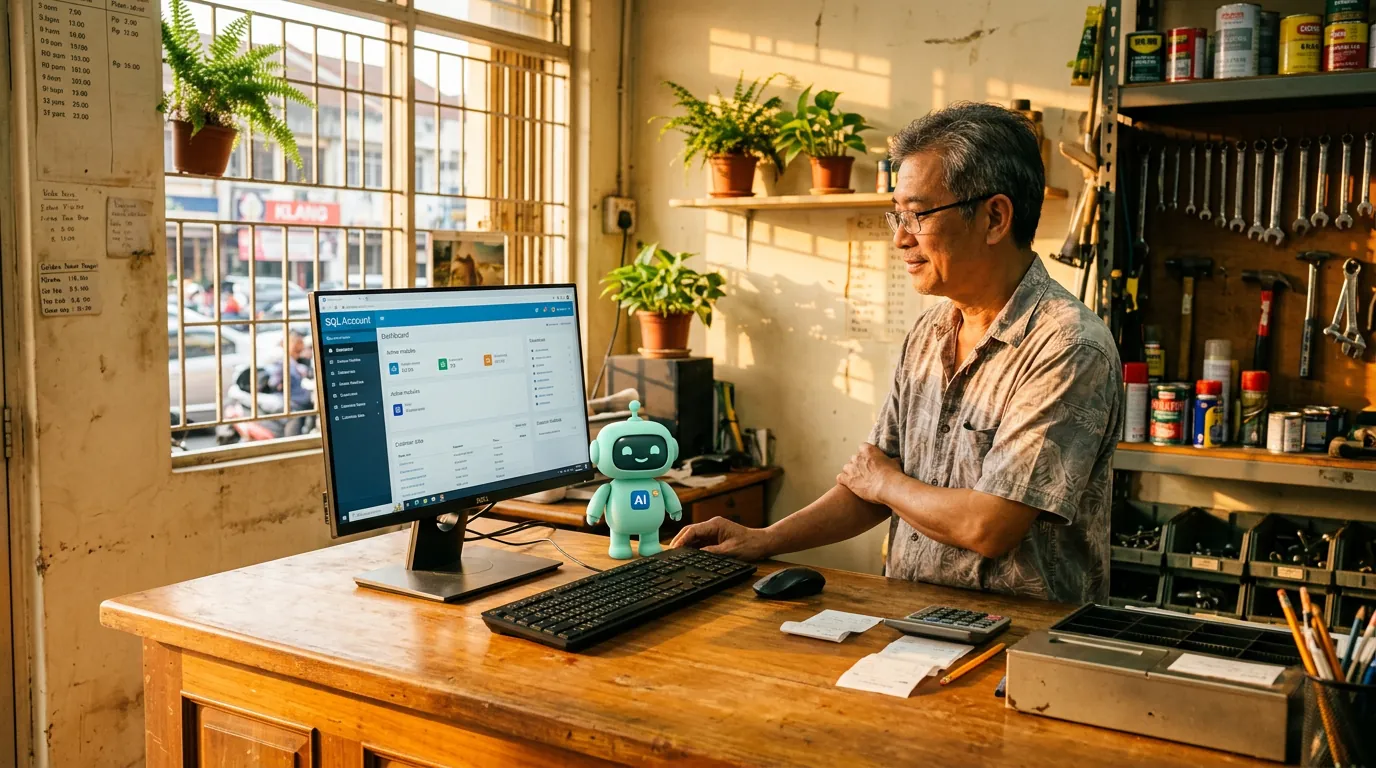
Encik Razak runs a small trading company in Klang that imports stationery from China. The company has 6 staff, RM 4 million in annual revenue, and Access UBS for the books. Razak has looked at the cloud accounting options twice in the last five years, and decided both times that the migration cost — the chart-of-accounts rewrite, the historical-data import, the staff retraining — was not worth it. The software works. The software is not the problem. The problem is that Razak's customers are on WhatsApp, and the WhatsApp has no idea what the UBS ledger says.
With the AI layer, the WhatsApp knows. A customer in Kuantan sends a WhatsApp at 8:30pm on a Saturday: "Boleh check status invois saya?" The AI reads the phone number, identifies the customer from the Access UBS debtor master, pulls the open balance, and replies in Bahasa Malaysia. Razak does not see the message until Monday morning. By then, the customer has already received the answer, paid the invoice via FPX, and sent a confirmation. The Monday morning starts with one less thread to chase, not one more.
Why the Access Group does not (and will not) ship the AI
Access UBS is a product line Access Group acquired when they bought Sage's mid-market accounting portfolio. The product line is in maintenance mode — the vendor's investment is in the cloud products, not the desktop. The desktop customers are loyal because the desktop works, not because the vendor is investing in new features. The AI layer is the kind of investment Access Group will not make for the desktop, because the desktop's strategic role is to keep the customer on Access's ecosystem, not to grow the desktop's footprint.
That is not a criticism. It is a description. The desktop customer is best served by a layer that lives on top of the desktop, not by a vendor whose roadmap is the cloud. The AI layer is exactly that — it reads the .MDB / SQL Server file Access UBS is already reading, and it adds the channel, the language, and the cross-software view Access will not ship. The Access Group's roadmap and the customer's actual need are not the same, and the AI is the layer that closes the gap.
“I have been on UBS for 18 years. I am not migrating. I just want my customers' WhatsApp to know what the ledger says. That is what the AI gives me, and it gives me that without changing a single chart-of-accounts line.”
— Mr. Goh, who runs a 35-person contract manufacturing business in Prai, Penang
What a normal Tuesday looks like with the AI on
It is 7:42am on a Tuesday. Pn. Salmah is at her desk in the PJ office. The two accounts clerks are arriving. The AI has already read all 120 client sets on Access UBS overnight, drafted the monthly balance confirmations for the 30 clients whose month-end falls this week, and queued the drafts for review. The AI has also answered the four overnight WhatsApp questions from clients in three time zones. Salmah opens the queue, approves the 30 drafts, the WhatsApp is sent, the Access UBS follow-up notes are updated. The accounts clerks arrive at 8:30am, open their own queues, and start the day with the human-shaped work — the GST / SST reconciliation, the year-end journals, the audit prep. The morning is done by 9am, not 11:30am. The clients get their confirmations on the same day every month. The firm bills for the same hours, but the hours are spent on the work that needs a human, not the work that needs a copy-paste.
What it costs, in real money and in real time
The AI plan is a flat monthly fee — the number is on the pricing page, the quote is the quote, no per-message markup, no per-prompt surcharge, no enterprise tier. The translator for Access UBS is included. The WhatsApp Business API access is included. The Meta conversation fees are the same fees every platform pays, and we do not add a per-message markup on top. The only other line item is the AI usage, which is metered in the same units every modern AI tool uses, and which your bookkeeper will not notice unless she is doing something unusual.
The time saving is harder to put a number on, because the time is not a single block — it is a thousand two-minute savings across a month. The monthly WhatsApp cycle that used to take three days. The Monday morning phone tag that used to take three hours. The "any update on my invoice" reply that used to take fifteen minutes per client. The end-of-day reconciliation that used to take an hour. The AI takes each one of those from minutes to seconds, and the sum is the difference between a firm that is drowning in WhatsApp and a firm that is using WhatsApp to grow.
The security question every Malaysian firm asks first
The first question every Malaysian partner asks, after "what does it cost" and "does it work with my software", is "where does my client data go." The honest answer: the Access UBS database stays on the server in your office. The translator reads the same .MDB / SQL Server file the desktop software reads — same connection, same credentials, same file. Only the answer leaves the machine, not the row, not the table, not the credentials. The AI sees only what your Access UBS user is allowed to see, enforced at the database, not in a prompt. The data isolation is the same isolation Access UBS itself enforces — your clerk cannot see a client set she does not have permission for, and the AI cannot see a client set your clerk cannot see.
How to add the AI to your Access UBS
The install takes about twenty minutes per workstation that runs Access UBS. The translator is a small Windows program that reads the same .MDB / SQL Server file the desktop software reads. Nothing is uploaded to the cloud. minidesk holds the AI and the WhatsApp layer. You sign in, the translator talks to the AI, the AI reads your ledger. You see the answers in the minidesk console and in your WhatsApp. That is the whole shape.
- 1Sign up at minidesk.co and pick Access UBS as your connector.
- 2Install the translator on each PC / server that runs Access UBS. The install is signed, the size is small, and the firewall prompt is one click.
- 3Connect your firm's WhatsApp number through Meta Embedded Signup — minidesk holds the Meta Business verification, so the typical 2–4 week wait is gone.
- 4Ask the AI a question in plain language. The first answer takes a minute because the translator is mapping your chart of accounts. After that, every answer is under three seconds.
- 5Hand the AI a workflow ("draft a monthly balance confirmation WhatsApp for every client on the first business day of the month") and it does it, shows you the queue, and asks before anything goes out.
If your firm is already running on Access UBS, the AI layer is the smallest change you can make to the largest difference in how the day feels. The ledger stays the ledger. The clerk stays the clerk. The monthly WhatsApp cycle is over.
→ See the Access UBS integration: /integrations/access-ubs